Why installing your Korea eSIM after you land at Incheon is too late
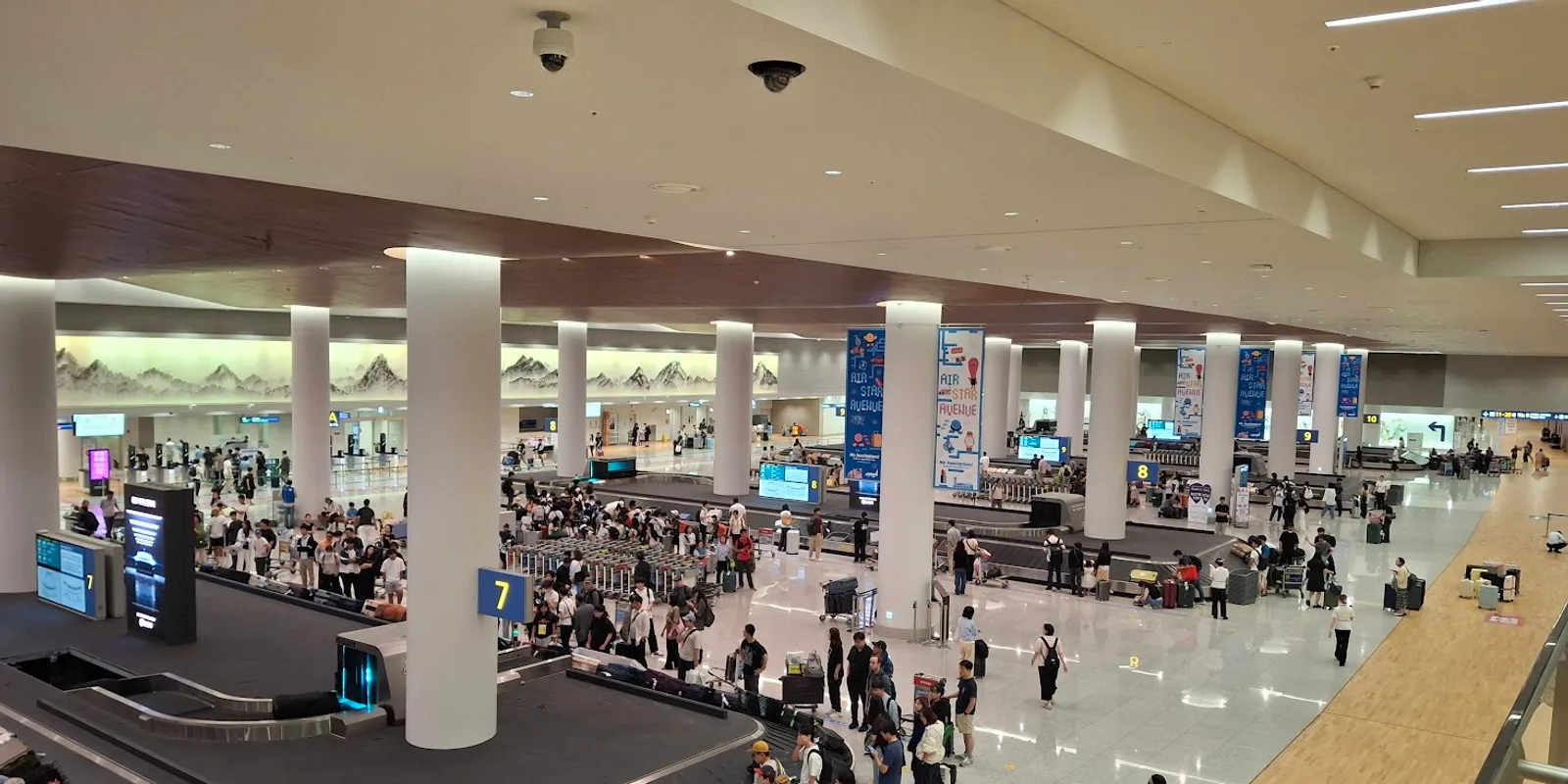
Why does an eSIM have to be installed before you travel?
Putting an eSIM onto your phone uses the internet. Apple's own support page states that "Your new iPhone must be connected to a Wi-Fi network or hotspot." The line is downloaded from the carrier's server, so with no connection there is nothing to download it over. The moment you land in Korea is precisely the moment your home line has stopped working and your Korean line does not exist yet. You would be trying to install at the one point where you have no way to install.
Is there really no internet at the airport?
Inside the terminal there are ways around it. Outside, they disappear. Incheon Airport has wireless internet in the terminals, and there is a Wi-Fi rental counter near the arrivals area on the first floor, west side of Terminal 1, open 06:00 to 22:00. The problem is what comes next. For the 40 to 60 minutes on the airport railway into Seoul, and until you reach your accommodation, you are offline — which is exactly the stretch where maps and booking confirmations matter most.
Are installing and starting two different things?
They are, and confusing them can throw your whole trip off by days. Installing puts the line on your phone. Starting means switching it on and beginning to use data. Most travel eSIMs count the validity period from the moment the line first connects, not from the day you installed it. That is why installing three days before you fly costs you nothing.
So when should you switch it on?
After you land in Korea, once the aircraft doors open. Install early, switch on late. In your phone settings, turn on the Korean line and allow data roaming, and it will connect from there. Your home number stays in place and only data moves to the Korean line, so KakaoTalk, WhatsApp and the rest keep working on the number you already have.
How many days should you buy?
Korean plans split into ones that refill a set amount every day and ones that give you a total to spend as you like. These were the Korea plans on Kedanto as of September 2026.
| Type | Length | Price |
|---|---|---|
| 1GB/day + unlimited at reduced speed | 3 days | ₩6,900 ($5.12) |
| 1GB/day + unlimited at reduced speed | 5 days | ₩8,900 ($6.60) |
| 1GB/day + unlimited at reduced speed | 7 days | ₩11,900 ($8.82) |
| 5GB total (within 30 days) | — | ₩6,900 ($5.12) |
| 10GB total (within 30 days) | — | ₩9,900 ($7.34) |
If your dates are fixed, the daily plans are simpler. Using up a day's allowance slows you down rather than cutting you off, so you will not find yourself unable to open a map on the last day. If instead you expect a couple of heavy days and hotel Wi-Fi the rest of the time, a total-volume plan leaves nothing unused. Every plan allows hotspot, so you can share with a laptop or a travel companion.
How do you know whether your phone will take a Korean eSIM?
Two separate things: whether the phone supports eSIM, and whether your carrier has unlocked it. A phone can be eSIM-capable and still refuse another line because your home carrier locked it. If you bought the phone on a contract at home, ask them to unlock it before you fly. Whether your model supports eSIM takes about a minute to check on Kedanto's device check page.
If the installation goes wrong, can you get another one?
A QR code can only be installed once. Once an eSIM is downloaded, that line is tied to that phone. Reset the phone or delete the line by mistake and the same code will not install again — if that happens, contact us with your order number. So do the installation somewhere with stable Wi-Fi and a comfortable amount of battery — and keep the email with the QR code rather than deleting it.
What to do the night before you fly
Install the eSIM where the Wi-Fi is reliable and leave it switched off. Then install a map app that works in Korea and, while you are still on Wi-Fi, open the route to your accommodation once. Google has said on its official blog that Google Maps directions are not available in Korea (as of September 2026). Even if nothing connects between the airport and your accommodation, you will have a much better idea of which way you are going, and the only thing left to do on arrival is turn one line on in your settings.
Sort your data out before you fly
You keep your SIM and add one data line. Your home number stays on your usual SIM; whether its calls and texts reach you abroad depends on your home carrier's roaming.
See eSIMs by country