Your Korea eSIM from Seoul works on Jeju too: what to do on your phone from Gimpo to Jeju Airport
If you are spending a few days in Seoul and then flying to Jeju, you do not need to buy another eSIM for the island. On Kedanto's product pages the Korea eSIM lists one country or region, Korea, and there is no separate plan for Jeju. You board with the same line you have been using in Seoul.
There are still a few things to do on your phone between Gimpo and Jeju Airport: battery before boarding, airplane mode in the air, a quick line check on landing, and some saving ahead for the mountain and the smaller islands, where nobody can promise you a signal. They are listed in the order you will meet them, and every fact was checked against an official source on 19 September 2026.
Does the Korea eSIM you used in Seoul keep working on Jeju?
Yes, as it is. All 15 of Kedanto's Korea plans list Korea as the country or region on their product pages, and the network as SK Telecom and LG U+ 5G. There is no Jeju-only plan and no plan split by region.
Moving to Jeju does not mean installing anything again or getting a new QR code. On a daily plan, the days you started counting when you activated in Seoul simply carry on in Jeju; on a total-data plan, you keep using whatever is left. Kedanto install codes are single-use, so a line deleted on Jeju cannot be brought back with the same QR code.
Where do SK Telecom and LG U+ tell you to check Jeju coverage?
Both carriers publish official coverage maps. SK Telecom's customer FAQ says you can check 5G, LTE, WCDMA and Wi-Fi coverage by clicking "Coverage map" at the bottom of the SK Telecom website and entering an area by city, district or neighborhood. LG U+'s coverage map page invites you to check where LG U+ service is available on a nationwide map, and adds right below that its 5G network may differ somewhat from actual coverage depending on when the map was last updated.
These maps show each carrier's own service areas. A Kedanto eSIM is a traveler's line that connects to those two networks, so this post has no basis for saying it will pick up a signal everywhere the maps are colored in. Kedanto's product pages also say that speed can vary by area, time of day and congestion, and before payment you confirm that speed and coverage may vary with local network conditions.
So this post does not claim that everything works everywhere on Jeju. It covers how to prepare for the places where the signal might be weak.
What should you do at Gimpo before you board?
Start with your passport. In its notice on the revised Aviation Security Act that took effect in January 2022, Korea Airports Corporation said passengers must carry valid ID to board a flight, listed accepted ID including passports and alien registration cards, and said expired ID and copies of ID cannot be used. For a foreign visitor, that means a passport on domestic flights too.
Then the battery. Korea's Ministry of Land, Infrastructure and Transport announced that from 20 April 2026, each passenger may bring no more than two power banks on board, and charging or using them in the cabin is fully banned. Before that, Korean Air, Asiana Airlines, Jin Air, Air Busan and Air Seoul had already banned charging phones and other devices from power banks in the cabin on domestic and international flights from 26 January 2026. Since you cannot top up your phone from a power bank on the plane, charge it before boarding for the maps you will open on Jeju. Korea Airports Corporation's Gimpo page lists free phone charging stands, and says the Wi-Fi networks "Gimpo_Airport Free Wi-Fi" and "Public WiFi Free" work throughout the waiting areas of both the domestic and international terminals.
Finally, save a few screenshots. Your boarding pass, your Jeju accommodation's address in Korean, and the route to your rental car or first stop. Then you can pull them up straight after landing, before your line has reconnected.
How should your phone be set on the domestic flight?
In airplane mode. In a February 2014 announcement, the Ministry of Land, Infrastructure and Transport said that portable electronic devices such as phones, tablets and laptops, previously allowed only above 10,000 feet, could be used in every phase of flight once switched to airplane mode. The same announcement said voice calls and sending or receiving data on those devices remain restricted. It named 1 March 2014 as the start date for Korean Air, Asiana Airlines and Jin Air, and 15 March for Jeju Air, Air Busan, T'way Air and Eastar Jet. Details can vary by airline and aircraft, so follow the cabin announcements and crew instructions.
Airplane mode stops every line on the phone at once. There is no need to turn the eSIM off or change its settings. Leave the Korea line on and the data line set to your travel eSIM, and just switch on airplane mode.
What do you check first when you land at Jeju?
When you turn off airplane mode, the phone looks for a network on your Korea line, the same as in Seoul. If the map does not load, check whether the line is on, whether the data line is your travel eSIM, and whether data roaming is on for that line, in that order. Where these settings are on iPhone, Galaxy and Pixel is set out in where to look when the internet does not work.
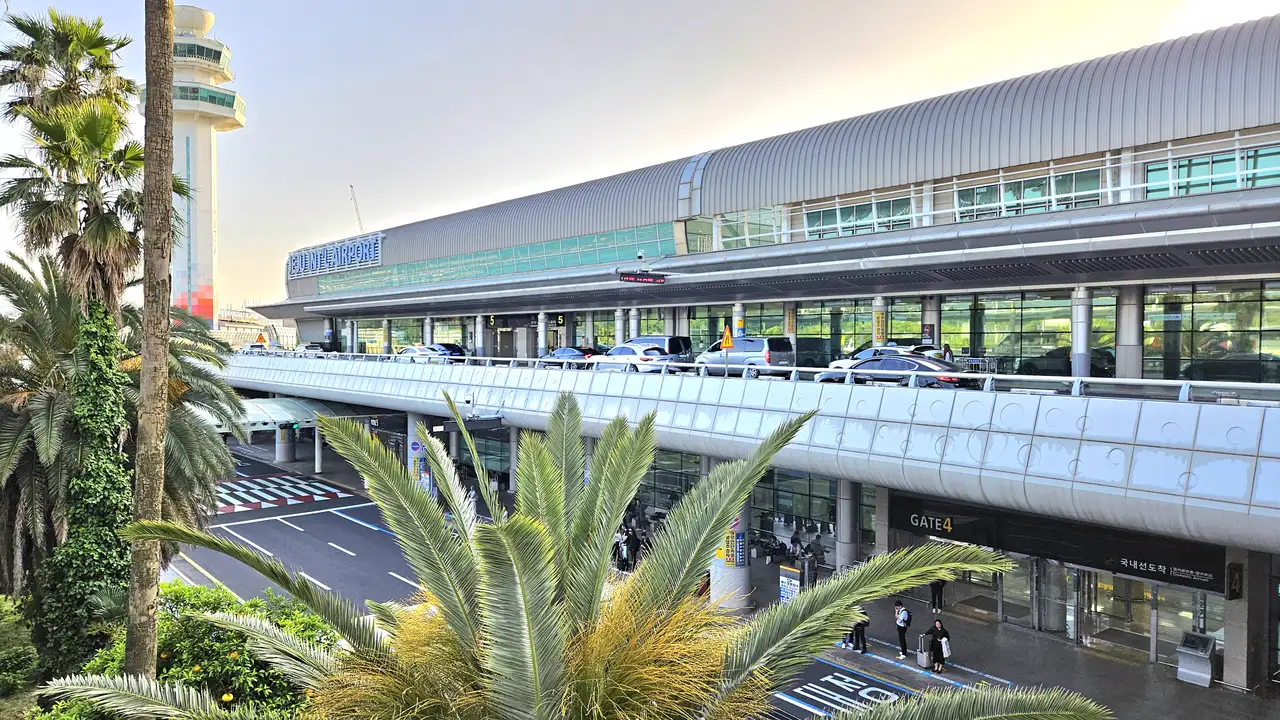
If that still does not help, there is airport Wi-Fi. Korea Airports Corporation's Jeju page says "Jeju_Airport Free Wi-Fi" works throughout the waiting areas. The same page lists free phone charging stands inside Gate 1 on the domestic arrivals side, and notes that you need to bring a cable that fits your phone. If your battery dropped because you could not use a power bank on the flight, you can top up here before heading out.
Can you rely on offline maps on Jeju?
You will not know until you try downloading them. In its offline maps help, Google explains that downloading is blocked in some countries or regions for reasons such as contracts, language support and address formats. Whether Jeju falls into that group is not something this post will claim. On your hotel Wi-Fi in Seoul, search for Jeju and tap More → Download offline map → Download, and you will find out straight away.
A successful download still does less than you might hope. According to the same help page, transit, bicycling and walking routes do not appear while you are offline, and downloaded maps carry an expiry date and need updating before it.
So on days when you head up the mountain or take a boat to one of the smaller islands, where no one can promise a signal, the surest thing is to screenshot the bus route, the time of the boat back, and your accommodation's address, whether or not the offline map worked. A screenshot opens without any signal.
What should be on your phone before you climb Hallasan?
Hallasan National Park's trail booking guide makes clear what to have on your phone before you set off.
- Your booking QR code. The Seongpanak and Gwaneumsa trails run on a reservation system. The park's Korean-language guide says the entry and exit QR code is sent to the phone number entered when booking. Screenshot it before you start climbing. Bookings for the following month open at 09:00 on the first working day of each month, and the booking system offers foreign-language service.
- Entry cut-off times. Entry at the Seongpanak and Gwaneumsa trailheads closes at 12:30 in summer (April to September) and 11:30 in winter (October to March). The Eorimok and Yeongsil trails close to new entries at 15:00 in summer and 12:00 in winter. Arrive late and a booking will not get you in.
- Whether the trails are open today. Heavy rain, typhoon and heavy snow advisories or warnings close the trails partly or fully. The park asks you to check its website for closures on the day, so look while you still have your hotel Wi-Fi.
- The trail marker number. If there is an accident or emergency on the trail, the park asks you to report it straight away to the Hallasan National Park office or to 119 and to give the number on the nearest trail location sign. A Kedanto eSIM is data-only and cannot make calls, so the report has to come from a line that can.
This post makes no promise about signal on the mountain. What you can count on is the QR code you saved, the cut-off time you noted, and the number on the sign.
How many days should you buy for Seoul and Jeju together?
Do not work them out separately. Choose by your whole stay in Korea, counting both the day you arrive and the day you leave so you do not come up short. With Kedanto prices on 19 September 2026, it looks like this.
| Stay in Korea | Daily plan | Total-data plan |
|---|---|---|
| 5 days (Seoul 3, Jeju 2) | 1GB/day for 5 days, ₩8,900 ($6.60) | 5GB within 30 days, ₩6,900 ($5.12) |
| 7 days (Seoul 4, Jeju 3) | 1GB/day for 7 days, ₩11,900 ($8.82) | 5GB within 30 days, ₩6,900 ($5.12) |
| 10 days (Seoul 6, Jeju 4) | 1GB/day for 10 days, ₩15,900 ($11.78) | 10GB within 30 days, ₩9,900 ($7.34) |
The total-data column assumes 2 hours of maps, 1 hour of social media and 1 hour of web each day and takes the smallest plan that fits. That is the mix Kedanto's data calculator opens with, and it adds 15% on top for about 0.65GB a day. Seven days on 5GB uses about 92% of it on paper, so if you plan to post a lot of photos and video from Jeju, one size up is safer. If you cannot guess your daily use, a daily plan is the easy option, because when the day's data runs out you stay connected at 1 Mbps. Worked examples for other usage habits are in the tables of how many days and how many GB. Prices here are the won figures on Kedanto's Korean-language pages; the English pages show the US dollar amounts in brackets.
If the plan you already have ends before your Jeju days are over, Kedanto has no top-up, so you buy and install another eSIM. Installing needs Wi-Fi, so do it on the Jeju Airport or hotel Wi-Fi. How a daily plan and a total-data plan each behave at empty is explained in when your Korean eSIM data runs out.
What do you do at the airport on the day you leave Jeju?
You drop off the rental car, walk into the departures floor at Jeju Airport, and remember first that you will not be able to use a power bank on the flight back to Seoul either. After security, you plug your phone into one of the free charging stands near Gates 2, 5, 11 and 12, and take one more screenshot of the route from Gimpo to where you are staying. When boarding is called, you switch on airplane mode and leave the Korea line on as it is. At Gimpo, you turn airplane mode off, and the same line you used on Jeju starts looking for Seoul's network.
Sort your data out before you fly
You keep your SIM and add one data line. Your home number stays on your usual SIM; whether its calls and texts reach you abroad depends on your home carrier's roaming.
See eSIMs by countryRead next
- How to run your laptop on your Korea eSIM's data: turning on the hotspot and keeping background data in check
- Your lost Korea eSIM QR code is still on your order page, unless you deleted the eSIM
- When your Korea eSIM is switched on but the internet isn't: where to look on iPhone, Galaxy and Pixel
- Two things to check on your phone before you pay for a Korea eSIM: eSIM support and the carrier lock