Travel notes
What you actually run into while travelling in Korea. Prices, hours, payment — the things you usually learn only after you arrive.
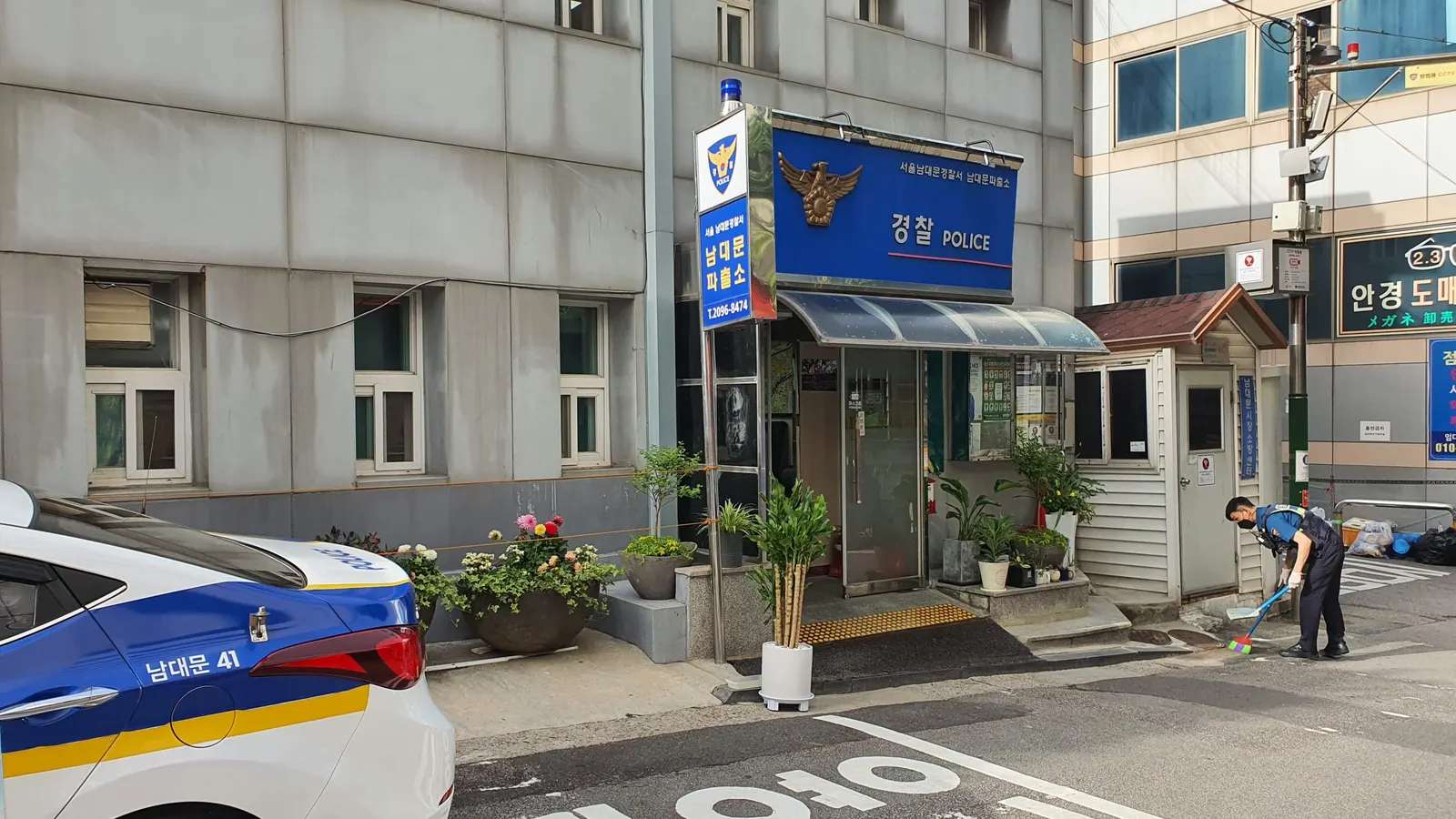
Can you call 112 or 119 in Korea if your eSIM is data-only?
Yes, but not over the eSIM. Kedanto's Korea eSIM has no phone number, so calls to 112 (police) and 119 (fire and ambulance) go out on a line that can make calls, which for most visitors is the home SIM roaming in Korea. The eSIM's data gets you the 1330 Korea Travel Hotline as an internet call or chat. Based on Korean police, fire, interior ministry and tourism pages and Apple, Samsung, Google and WhatsApp pages, checked on 29 September 2026.
2026-09-29
Korea eSIM setup messages, one by one: which to tap through and which mean stop
When a message pops up while you install a Korea eSIM, tap through the alerts Apple names in its documentation, and stop at SIM warnings or at errors on a second try with the same QR code. This guide explains Cellular Plan Detected, Activate New eSIM, the confirmation code prompt, and the Invalid SIM and No SIM Card installed alerts, checked against Apple and Samsung support pages on September 19, 2026.
2026-09-26
Leaving Korea? Don't delete your eSIM. Switch your data line back first
You don't need to delete your Korean eSIM on the day you fly out. Keep roaming off on your home line until you're home, then after landing move your data line back to your home line and turn the travel line off. A deleted eSIM can't be reinstalled from the same QR code, and unused data after activation is not refunded. Checked against Apple and Samsung support pages and Kedanto's terms on 19 September 2026.
2026-09-25
Getting verification texts on your home number in Korea — should your home SIM stay on?
To receive bank and card verification codes on your home number, keep your home line switched on, send only your data through the Korea eSIM, and turn off data roaming on the home line. Based on Apple and Samsung support pages checked on 19 September 2026: how three setups compare, what to pick when iOS 26 offers Turn On Travel eSIM, and why picture messages and data can stop during a call.
2026-09-25
What to use instead of Google Maps in Korea — map apps and data
Google says on its official Korea blog that Google Maps directions are not offered in Korea, and after the government conditionally approved the map-data export on 27 February 2026 we still found no launch notice. We compare NAVER Map (four languages) and KakaoMap (English and Korean) on language, live transit, sign-up and offline maps, based on official pages checked on 19 September 2026.
2026-09-24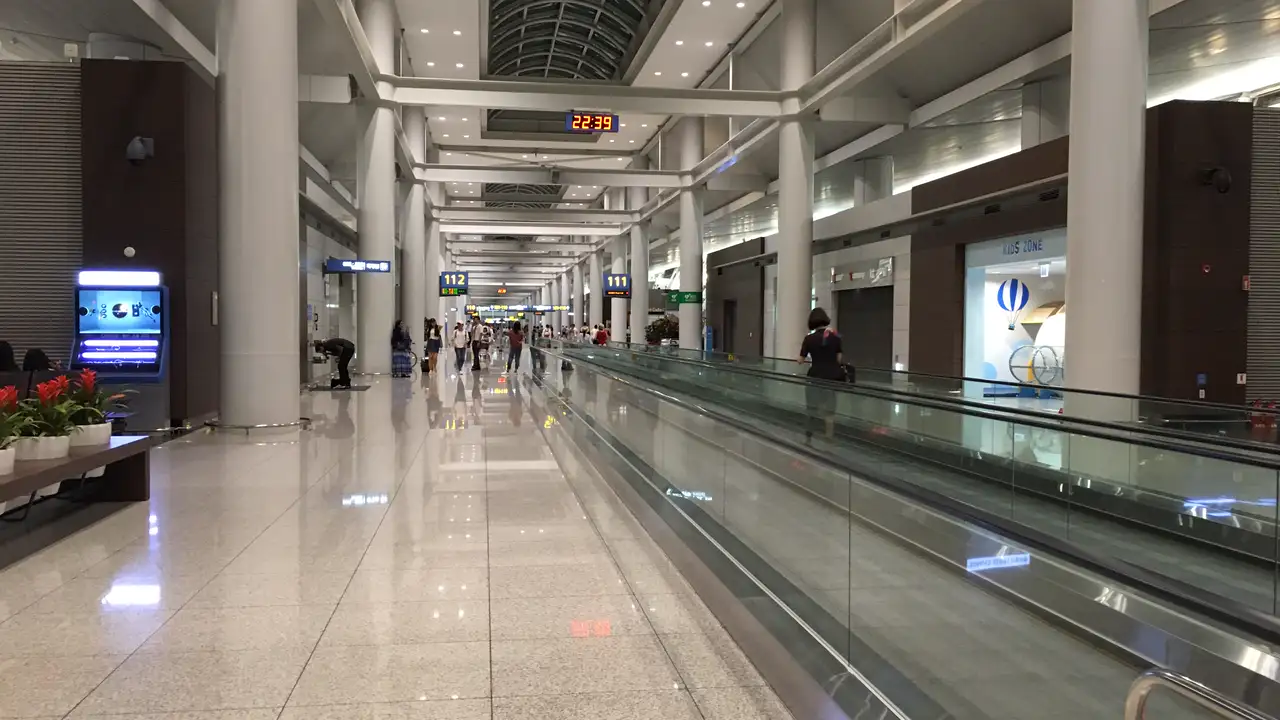
Transiting through Incheon: whether to turn on a Korea eSIM depends on leaving the airport
If you are spending a few hours inside the transfer area, Incheon's airport-wide free Wi-Fi, AIRPORTWIFI, is enough. If a transit tour or a trip into Seoul takes you through immigration, a small data plan earns its keep. And if you already installed a Korea eSIM for a later trip, switch that line off while you transit so its validity does not start early. Case by case, based on Incheon Airport's official pages as of September 2026.
2026-09-24
A travel eSIM for Korea won't go on your Apple Watch or Galaxy Watch
Apple says cellular on Apple Watch needs a plan from the same carrier as your iPhone and that pre-paid accounts aren't supported; Samsung says the watch and phone carriers must match. Why the Korea eSIM belongs on your phone, how your watch still gets notifications through it, what your home carrier's watch plan needs to work in Korea, and how to tell whether your watch is a cellular model — from Apple, Samsung and Google support pages checked on 19 September 2026.
2026-09-23
Your lost Korea eSIM QR code is still on your order page, unless you deleted the eSIM
A Kedanto eSIM QR code isn't an image attached to an email. It lives on your order page, so you can open it again even if you deleted the email or never got it. This guide covers a deleted email, an email that never arrived, finding it by signing in, and an eSIM deleted from the phone, checked on September 19, 2026 against Apple and Samsung support pages and Kedanto's refund policy.
2026-09-23
Why Kedanto charges in US dollars, and how to read a PayPal payment
PayPal does not accept Korean won as a payment currency, so every Kedanto PayPal payment is charged in US dollars. The won price is divided by 1,350 and rounded up to the cent, and a refund before installation returns the same dollar amount. Here is the conversion rule as of September 2026, what appears on your card statement, and why Korea-registered PayPal accounts cannot pay.
2026-09-22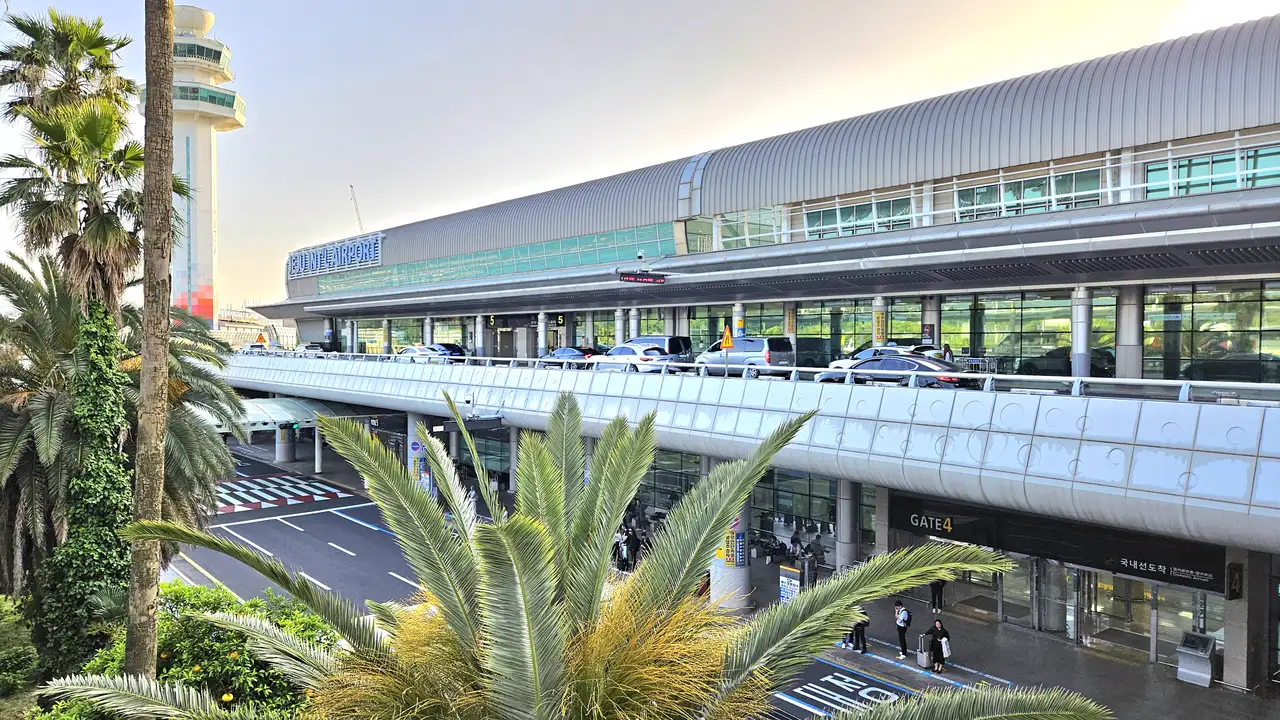
Your Korea eSIM from Seoul works on Jeju too: what to do on your phone from Gimpo to Jeju Airport
On Kedanto's product pages the Korea eSIM covers one region, Korea, so there is no separate Jeju plan to buy. What to sort out on your phone along the way, in travel order and checked against official sources on 19 September 2026: passport, airplane mode and power bank rules for the domestic flight, line checks and airport Wi-Fi on landing, and the booking QR code and entry cut-off times before Hallasan.
2026-09-22
Can your iPad take a Korea eSIM? One model number decides it
Every iPad on Apple's eSIM list is a Wi-Fi + Cellular model, and even those support cellular data only. How to check your model number, where to add the plan under Settings › Cellular Data, why only one eSIM runs at a time, how it compares with tethering to your phone, and which Galaxy Tab models Samsung lists — from Apple and Samsung support pages checked on 19 September 2026.
2026-09-21
Korea and Japan on one trip: why it takes two eSIMs, with prices for three itineraries
As of 19 September 2026, Kedanto sells no eSIM that covers both Korea and Japan, and its 'Asia 7 Countries' plan leaves both out. Here are prices for three common Japan-and-Korea itineraries using two eSIMs (at 27 September prices, from ₩13,800, or $10.24, with two total-data plans), and the order of steps for keeping both on one phone and moving the data line when you cross over.
2026-09-21
When exactly is a Korean eSIM activated? Refunds end at installation, validity starts at activation
Kedanto's terms never define 'activation' in technical terms. Using the exact wording of the terms, the refund policy and the order page, this guide separates QR issue, installation and activation, explains the 180-day window before activation, when the validity clock starts, and why refunds end at installation rather than activation (as of September 2026).
2026-09-20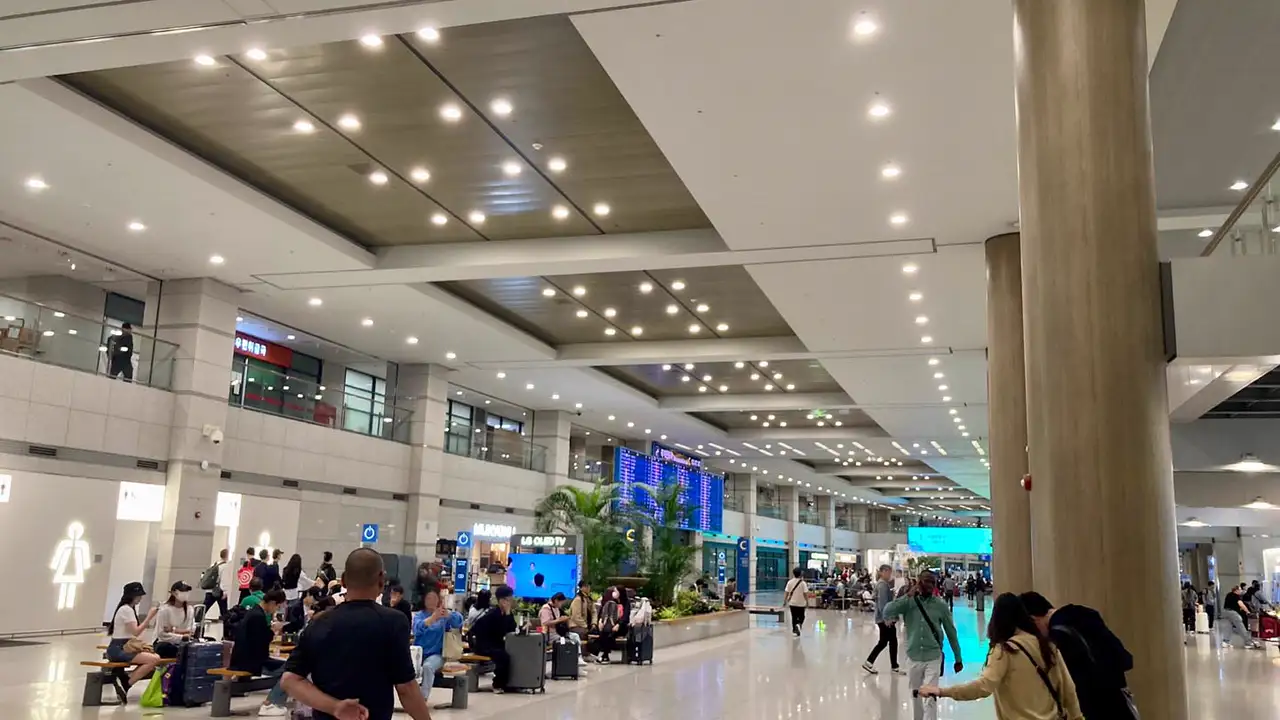
Can you buy a Korea eSIM after you land? Yes, on airport Wi-Fi, if three things are in place
You can. Incheon Airport runs free Wi-Fi called AIRPORTWIFI across the whole airport, and Kedanto sends the install QR to your order page and inbox right after payment. The catches: installing only works over Wi-Fi, PayPal will not go through if your PayPal account is registered in Korea, and once you install the eSIM, the refund window is gone. Conditions and order of steps as of September 2026.
2026-09-20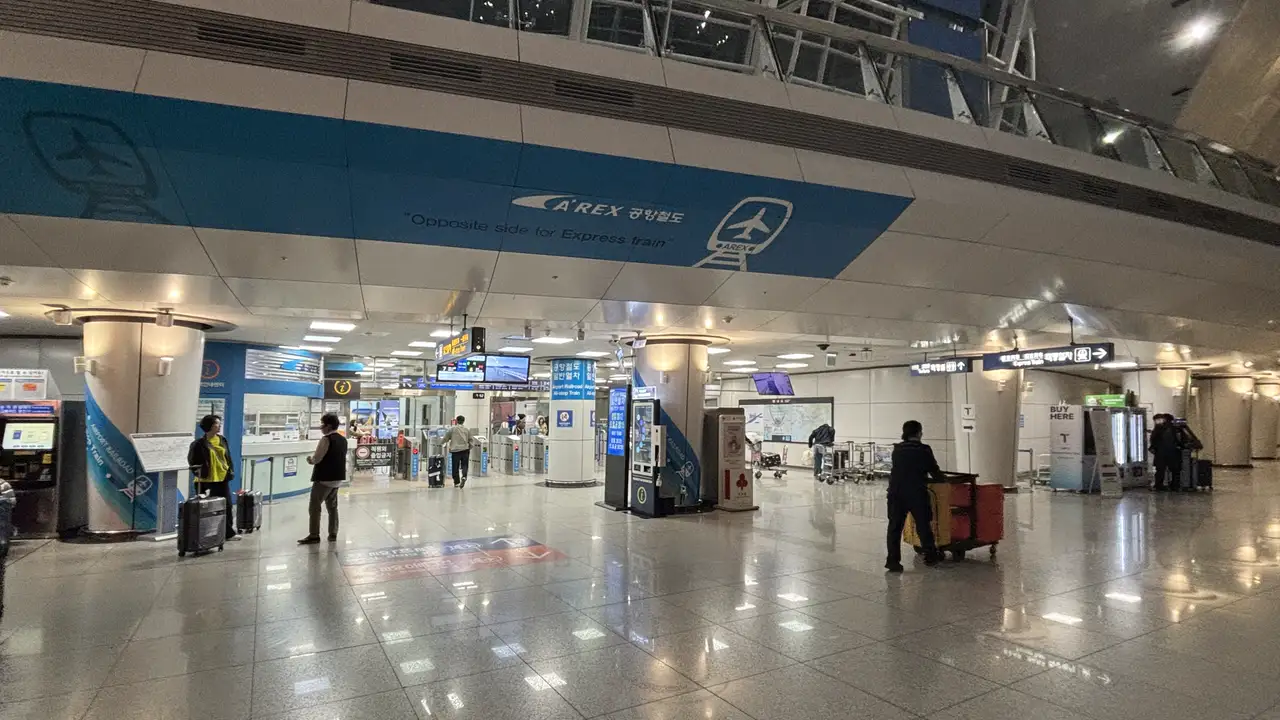
Your first 30 minutes in Korea: a checklist from airplane mode to the airport railroad gates
Eight steps, in order, for the time between landing at Incheon and leaving the airport. Keep roaming off on your home line, switch on the travel eSIM and its roaming, move your data line, then buy a transport card at a 24-hour convenience store or bus ticket office. Incheon Airport, Tmoney and AREX information checked on 19 September 2026.
2026-09-19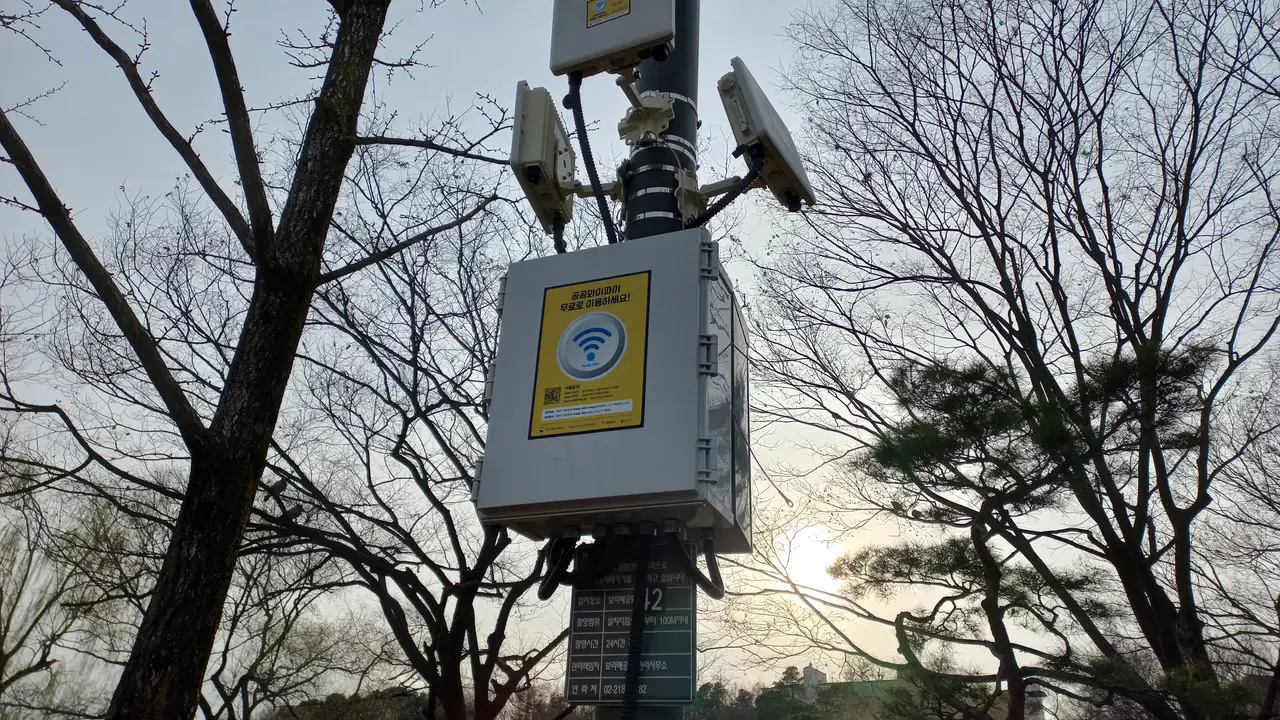
When your Korean eSIM data runs out: daily plans slow down, total plans stop
A 1GB-per-day plan keeps you connected at 1 Mbps after the day's allowance is gone. A total-volume plan ends the moment it's used up, and there is no top-up. Here is what is left, and what to do at that point.
2026-09-16
iPhone vs Galaxy: where the eSIM setup screens differ
Same QR code, two different paths. On iPhone you can scan it with the Camera app; on Galaxy you go into SIM manager. Here is what Apple and Samsung actually document — menu names, when you label the line, and where you pick the data line.
2026-09-16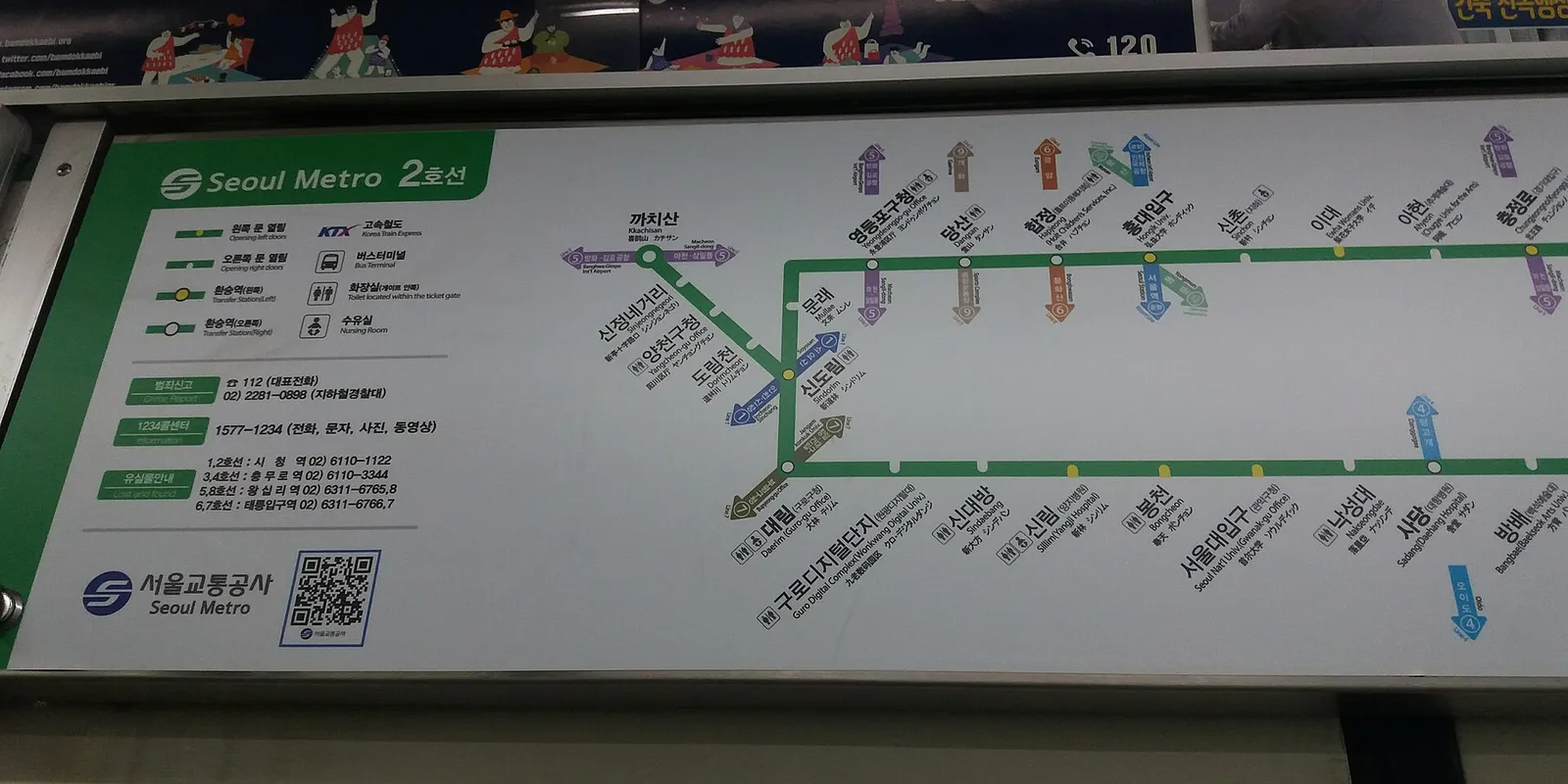
1GB a day or 5GB in total: which Korea eSIM fits your trip?
On 27 September 2026, no Kedanto Korea daily plan cost less than a total-data plan with at least as much data: 5GB total was ₩6,900 ($5.12), while 1GB a day for 5 days was ₩8,900 ($6.60). What the extra buys is a connection that stays on at 1 Mbps after the day's data runs out. Five days of maps and messaging fit in 1GB, and 2 hours of maps, 1 hour of social media and 1 hour of web a day come to about 3.3GB, worked out from published usage figures.
2026-09-14
When your Korea eSIM is switched on but the internet isn't: where to look on iPhone, Galaxy and Pixel
If your Korea eSIM line shows up in Settings but nothing loads, check three things in this order: the line is on, it's the line used for data, and data roaming is on. Menu paths for iPhone, Galaxy and Pixel checked against Apple, Samsung and Google help pages on 14 September 2026, plus why Kedanto doesn't give you an APN to type in and what to send support if nothing works.
2026-09-14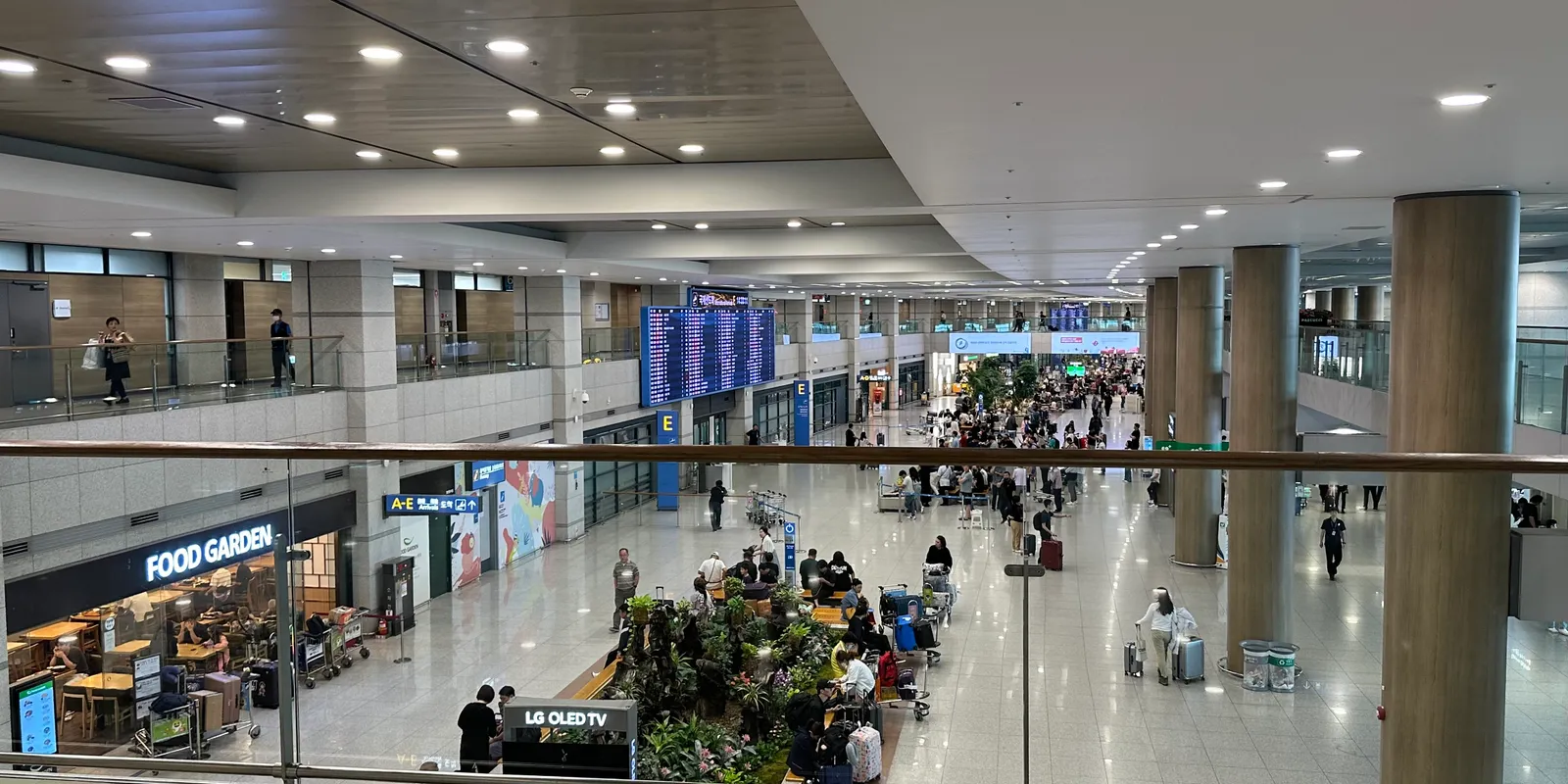
An Incheon Airport SIM and a Korea eSIM differ on phone number, returns and refunds
KT, SK Telecom and LG U+ all run 24-hour roaming centers on the first floor of both Incheon Airport terminals, and LG U+ sells a 5-day data-only SIM for ₩27,500 (official pages checked 14 September 2026). An airport SIM can come with a Korean 010 number, but you collect it at a counter with your passport after landing, and a pocket Wi-Fi has to go back before you fly home. A Kedanto Korea eSIM is data-only with no number, reaches you by email before the trip, and is fully refundable until you install it.
2026-09-14
Traveling Korea as a group of 2 to 4: how many eSIMs do you need?
On Kedanto's Korea prices of 27 September 2026, sharing one person's eSIM over hotspot always costs less, but for two people on a 5-day trip the difference is ₩3,900 ($2.90): two 5GB plans at ₩13,800 ($10.24) against one 10GB plan at ₩9,900 ($7.34). For four people over 5 days it grows to ₩11,700 ($8.70). What you give up when you share, from splitting up to battery and one shared allowance, plus kids' tablets and phones without eSIM, worked out in numbers.
2026-09-14
How to run your laptop on your Korea eSIM's data: turning on the hotspot and keeping background data in check
As of 14 September 2026, all 15 Kedanto Korea plans list Hotspot as Allowed on their product pages. Menu paths for sharing the travel eSIM's data from iPhone, Galaxy and Pixel, how Windows' Metered connection and Low Data Mode on Mac and iPhone hold back updates and syncing, and what the 1 Mbps after a daily plan's allowance means, taken from Apple, Samsung, Google and Microsoft help pages.
2026-09-14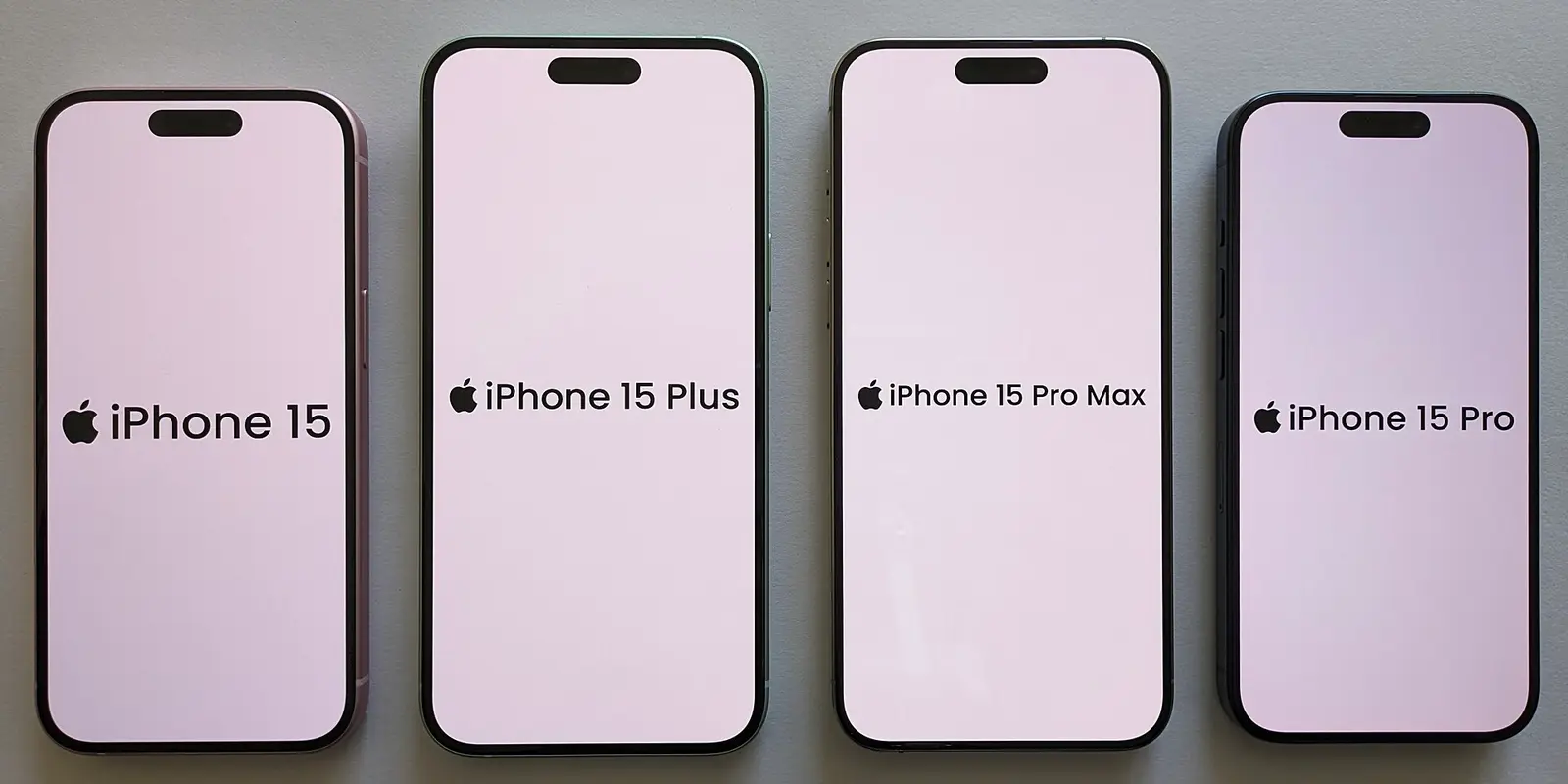
Two things to check on your phone before you pay for a Korea eSIM: eSIM support and the carrier lock
Whether a Korea eSIM works on your phone comes down to two things: whether the model has eSIM, and whether your home carrier has locked it. Mainland-China iPhone 17 and 17 Pro have no eSIM, US iPhones from the 14 on are eSIM-only, Verizon postpaid phones unlock automatically once paid off, and a Kedanto eSIM your phone can't use is fully refundable as long as it hasn't been installed.
2026-09-11
What works in Korea without a Korean phone number, and what doesn't
Street taxis, Tmoney cards and CatchTable Global bookings need no Korean number. KakaoTalk, TADA and the Uber account you already have work with your home number. Bank and government identity checks stay closed even on a traveler SIM that comes with a Korean number. Where official guidance didn't settle it, as with Kakao T, Baemin and KTX online booking, we say so. Checked 11 September 2026.
2026-09-11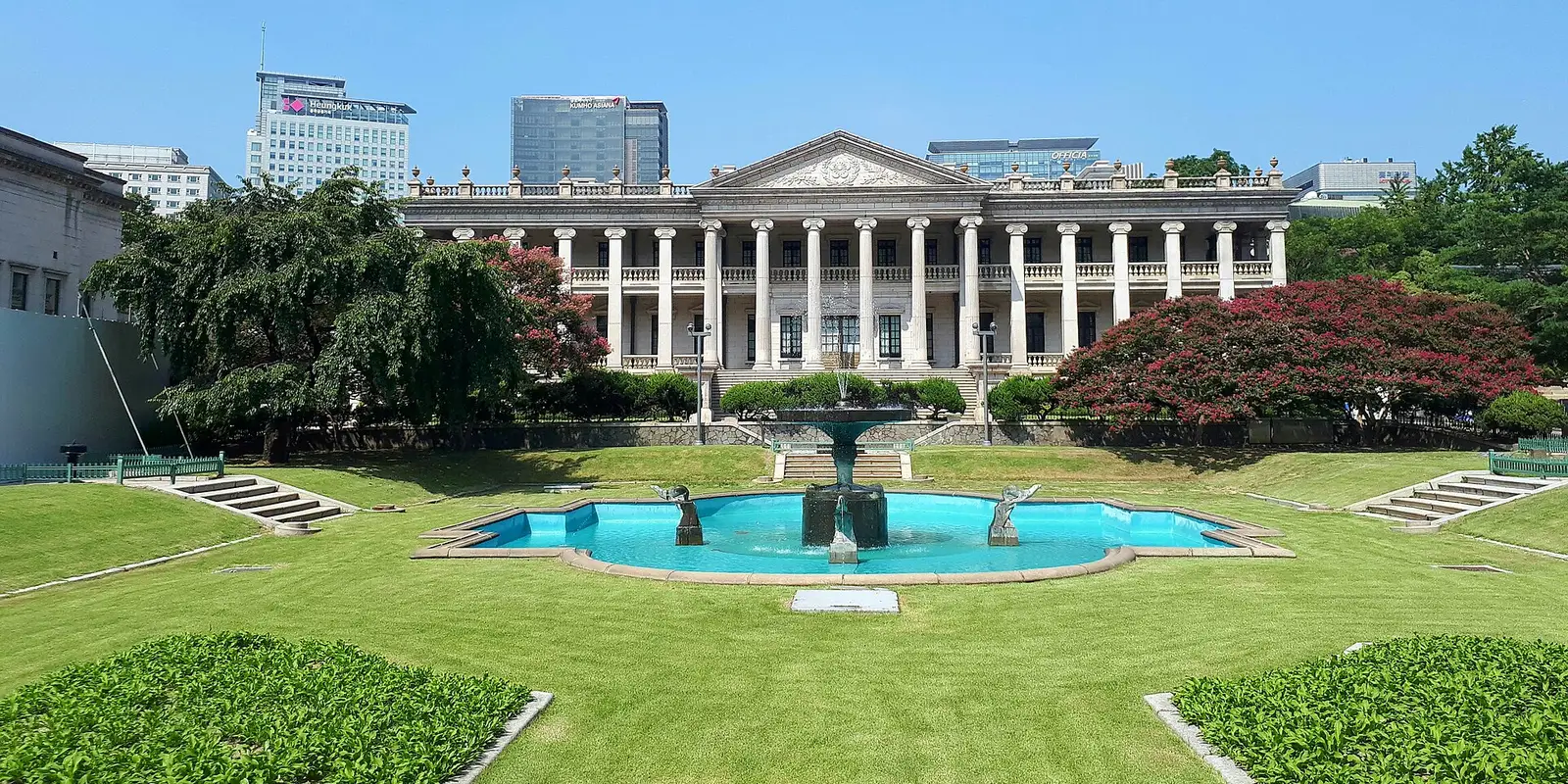
Seokjojeon at Deoksugung: floors 1 and 2 are reservation-only
A Deoksugung ticket does not get you into the Seokjojeon exhibition floors. Booking opens at 10:00 Korean time seven days ahead and ends in Korean identity verification. If you miss it, the English tour signs up on the spot and the basement stays open to anyone — checked against official sources on 10 September 2026.
2026-09-10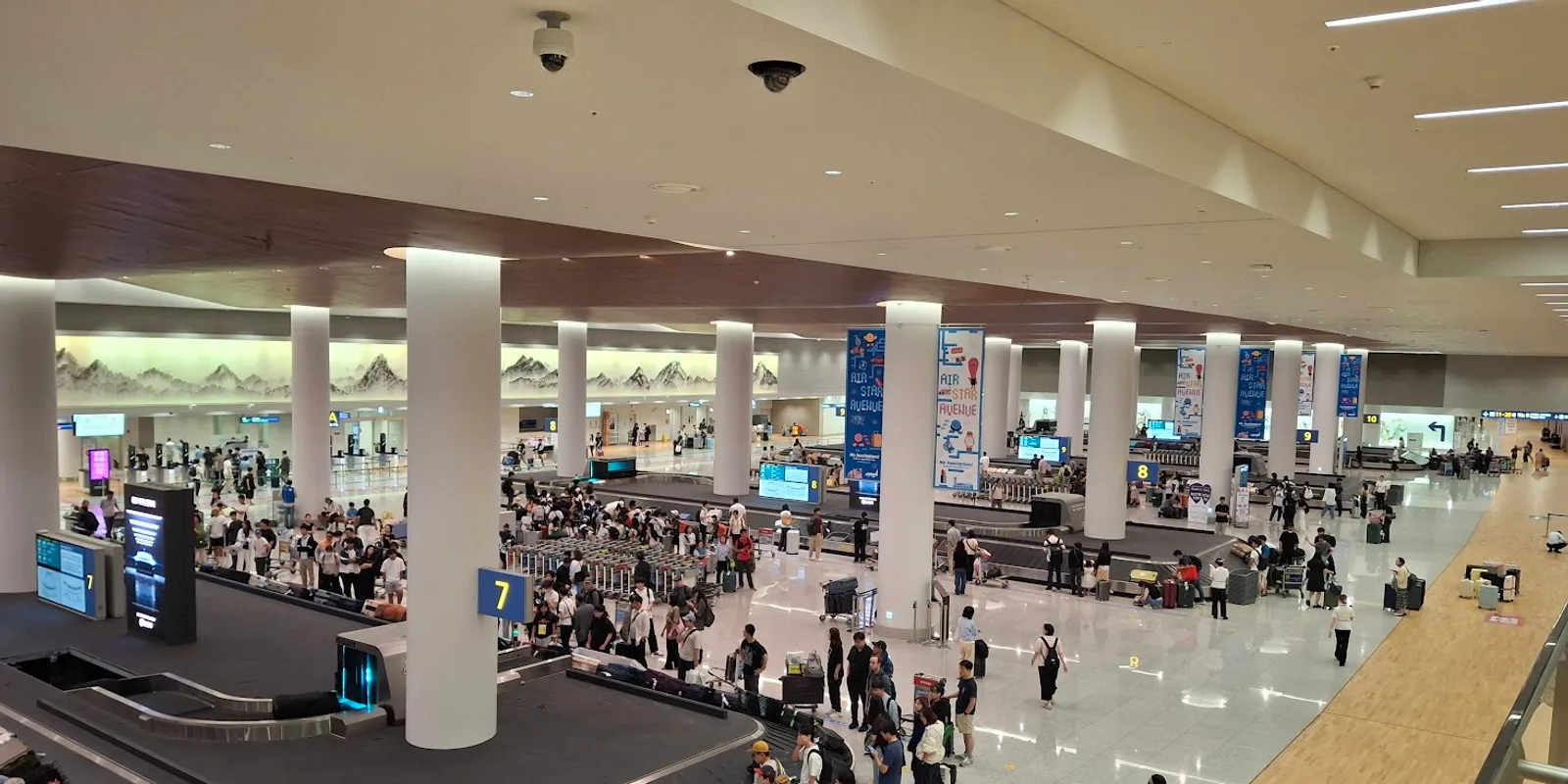
Why installing your Korea eSIM after you land at Incheon is too late
Setting up an eSIM needs an internet connection, which is exactly what you do not have the moment you land. Why installing and starting are two different things, and how many days to buy — as of September 2026.
2026-09-08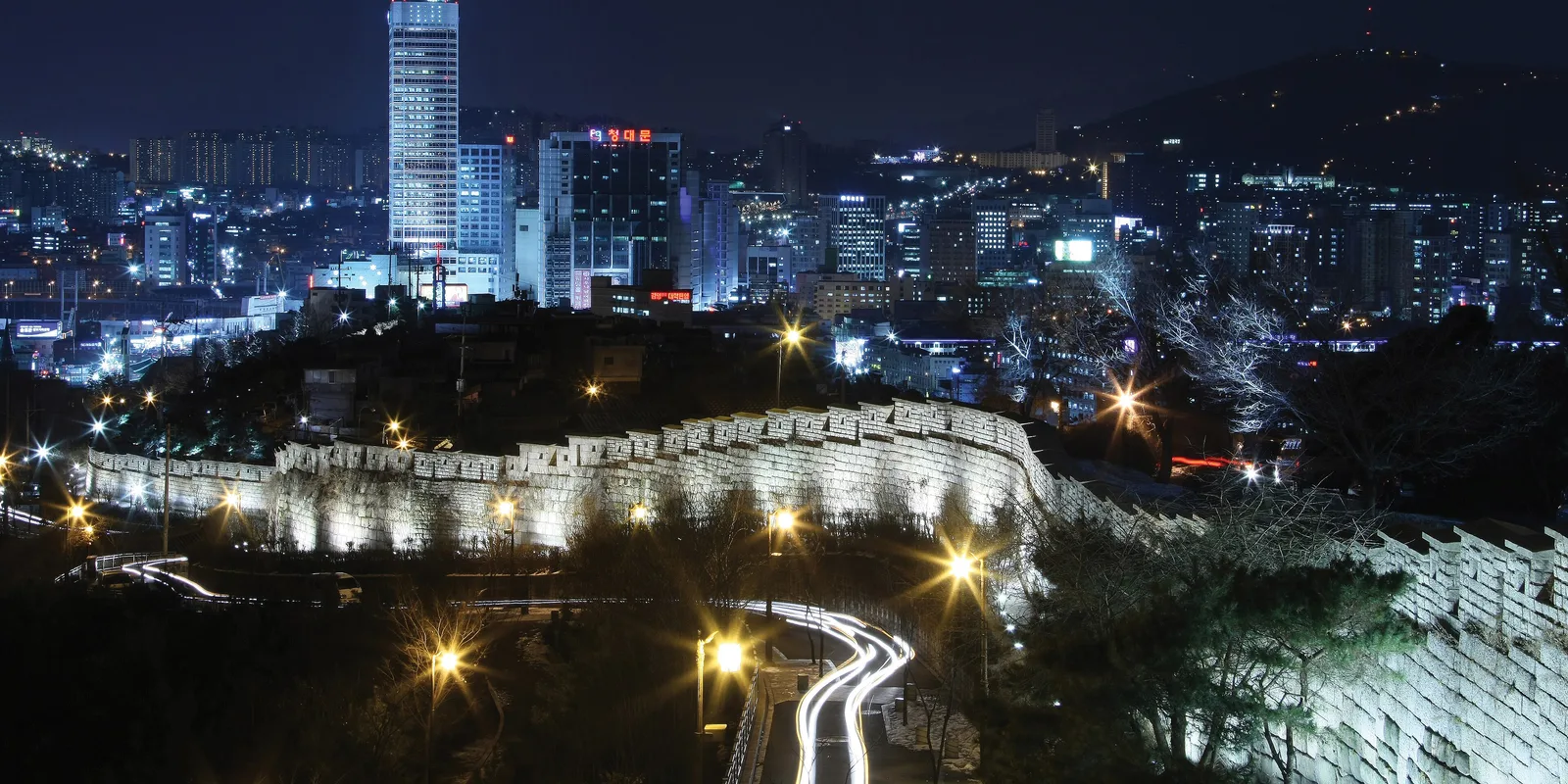
Naksan Park city wall: which station should you start from?
The Naksan stretch of the Seoul City Wall is much easier from one end than the other. Which subway exit to use, how long the walk takes and how steep it gets — checked against official Seoul sources in September 2026.
2026-09-08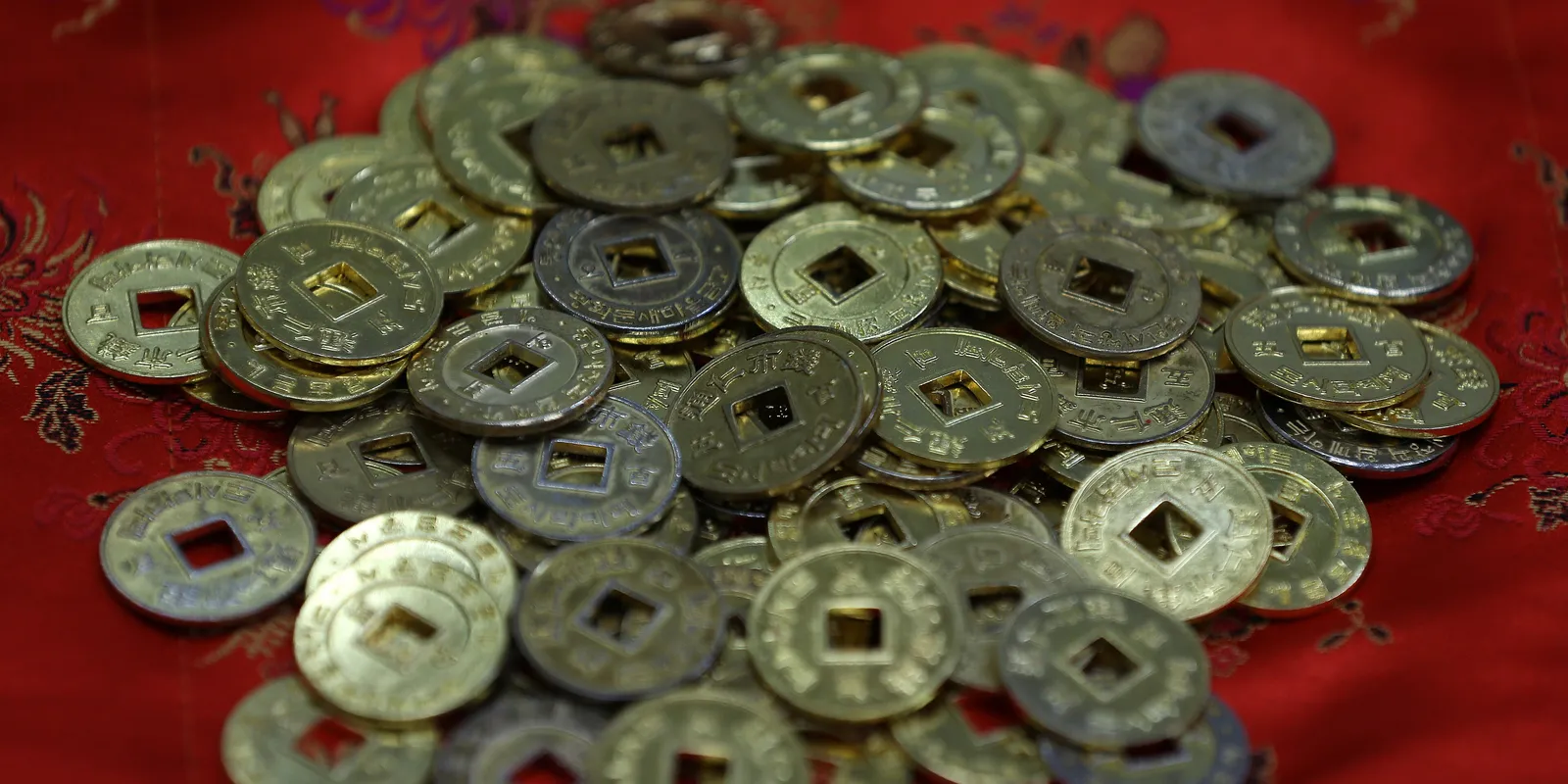
Tongin Market's yeopjeon lunchbox: where to buy the coins, the Tuesday closure, and how many to buy
The yeopjeon lunchbox at Seoul's Tongin Market starts with buying coins at the second-floor lunchbox cafe. Coin prices and selling hours, the Tuesday closure and how to work out the third Sunday, and refunds on unused coins, as checked in September 2026.
2026-09-06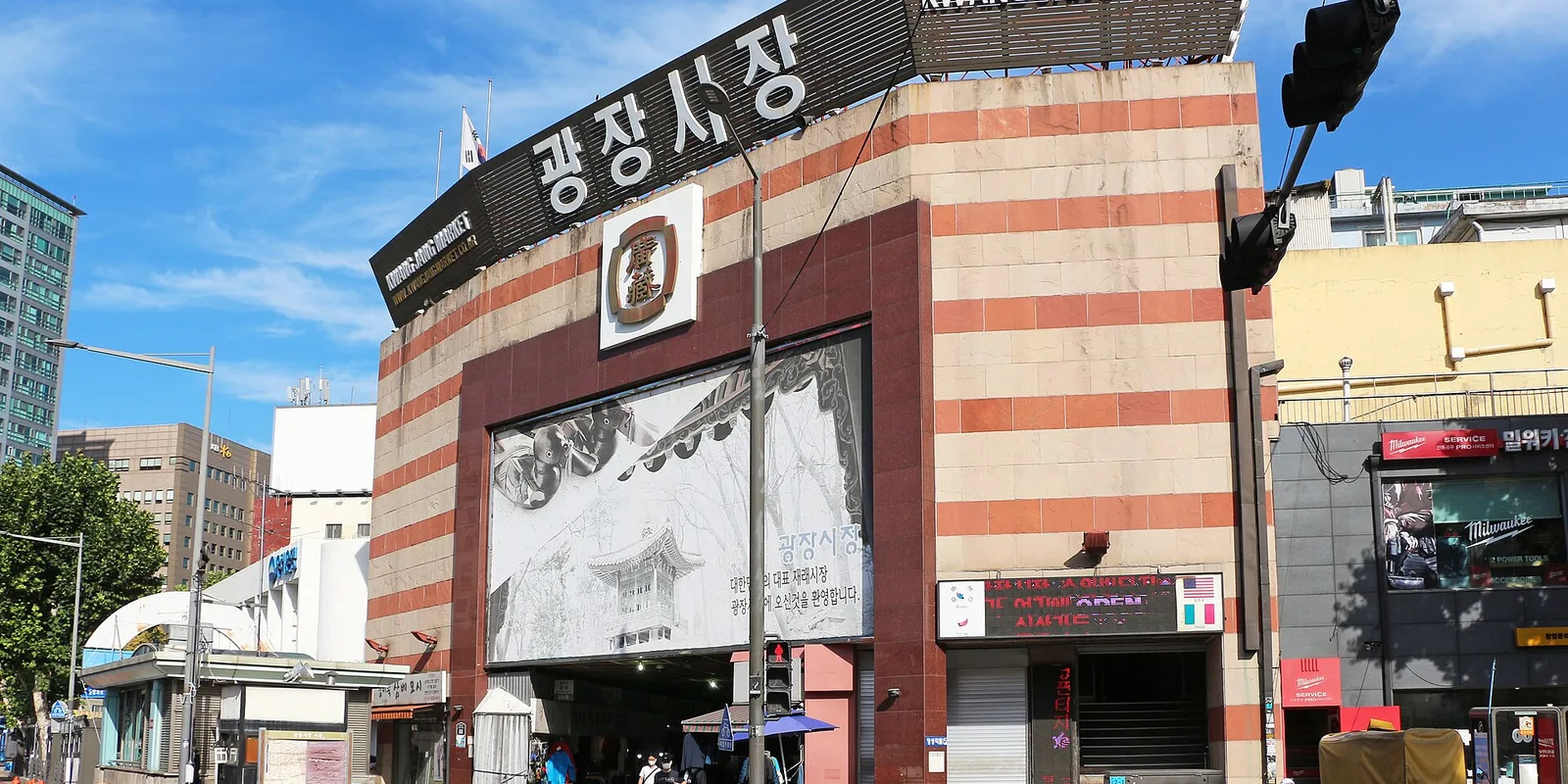
Gwangjang Market: hours, the Sunday catch, and why to bring cash
Seoul's Gwangjang Market keeps different hours by section, and on Sundays only the food alley opens. Hours, directions and payment, as of August 2026.
2026-08-31