When your Korean eSIM data runs out: daily plans slow down, total plans stop
Third evening of the trip, and the map just spins. Is the data gone? And if it is, what happens now?
The answer depends entirely on which plan you bought. One keeps you connected and only slows down; the other stops right there. And a Korean eSIM has no top-up option. Knowing those three things ahead of time takes the panic out of the moment.
Which one did you buy?
Kedanto's Korean plans come in two kinds. If the name says per day, it is a daily plan. If it says a total of N GB, it is a total-volume plan.
- Daily — 1GB or 2GB each day. Use up the day's allowance and the speed drops, but the connection stays up, and the allowance refills the next day.
- Total volume — from 1GB up to 50GB. There is no daily cap, so you can spend it however you like, but when the total is gone, the plan ends.
The plan name is in your order email and on your order page, so you can check which one you hold at any time.
Does a daily plan really not cut off?
It does not. The speed drops to 1 Mbps and the connection stays up.
That number is not one we invented. It comes from the specification our eSIM supplier publishes for the package: the package itself is named "South Korea 1GB/Day FUP1Mbps," and its reduced-speed field reads 1 Mbps (checked in the supplier catalogue on 16 September 2026). That is what "unlimited, slowed" means on our product pages.
The next day, the day's allowance is back. Even if you burned through 1GB on day three, day four starts at full speed again.
What can you actually do at 1 Mbps?
Comparing it to the speeds video services publish puts it in place.
- YouTube's system requirements list 500+ Kbps for basic viewing and 1+ Mbps for movies, shows and live streams. By resolution, they recommend 0.7 Mbps for 360p and 1.1 Mbps for 480p. So 1 Mbps sits comfortably above 360p and just below 480p.
- Netflix's lowest listed tier is HD 720p at 3 Mbps or higher. At 1 Mbps you are at a third of that, so comfortable viewing is unlikely.
Maps and messaging are a different matter. Neither Google nor the messaging apps publish official per-hour data figures, so nobody can honestly tell you the exact speed they need. Kedanto's data calculator says that at 1 Mbps maps and messaging still work while video needs a lower quality setting.
If finding your way and staying in touch is most of what you do online while travelling, the daily plan's speed limit is not much of an event. If your evenings end with streaming in the hotel, it is a different story.
What stops when a total plan runs out?
Everything. There is no reduced-speed stage on total-volume plans. The supplier's specification leaves the reduced-speed field empty, and our product pages in all four languages say the plan ends when the total is used.
That makes knowing your remaining volume matter. Kedanto sends one email when a total-volume plan drops below 15% remaining, showing how much is left out of the total. Daily plans get no such email, since they refill anyway. You don't have to wait for it either: the Data left panel on your order page shows what remains and when the plan expires.
Can you top up?
Kedanto has no top-up. There is no way to add volume to an eSIM you are already using.
If you need more data, the answer is to buy another eSIM and install it. Your phone can hold several eSIM lines, so you add the new one and switch the data line over to it. Where to tap on each phone is in the iPhone and Galaxy setup guide.
You can leave the old line in place. A used-up line sitting in your list does not interfere with the new one.
What should you buy mid-trip?
Only as much as the days you have left. The basis is different from the first purchase. If half the trip is behind you, a smaller plan for the other half is the right size.
- Two days left and mostly maps? A total of 1GB or 3GB is often enough.
- Several days left and you want to stop thinking about it? A daily plan for that number of days is easier.
- Which size fits which itinerary is worked out in how many days and how many GB and in the calculator.
There is a trap here. Installing a new eSIM requires Wi-Fi. With your data completely gone, the payment may go through but the install will not. You need hotel or café Wi-Fi first.
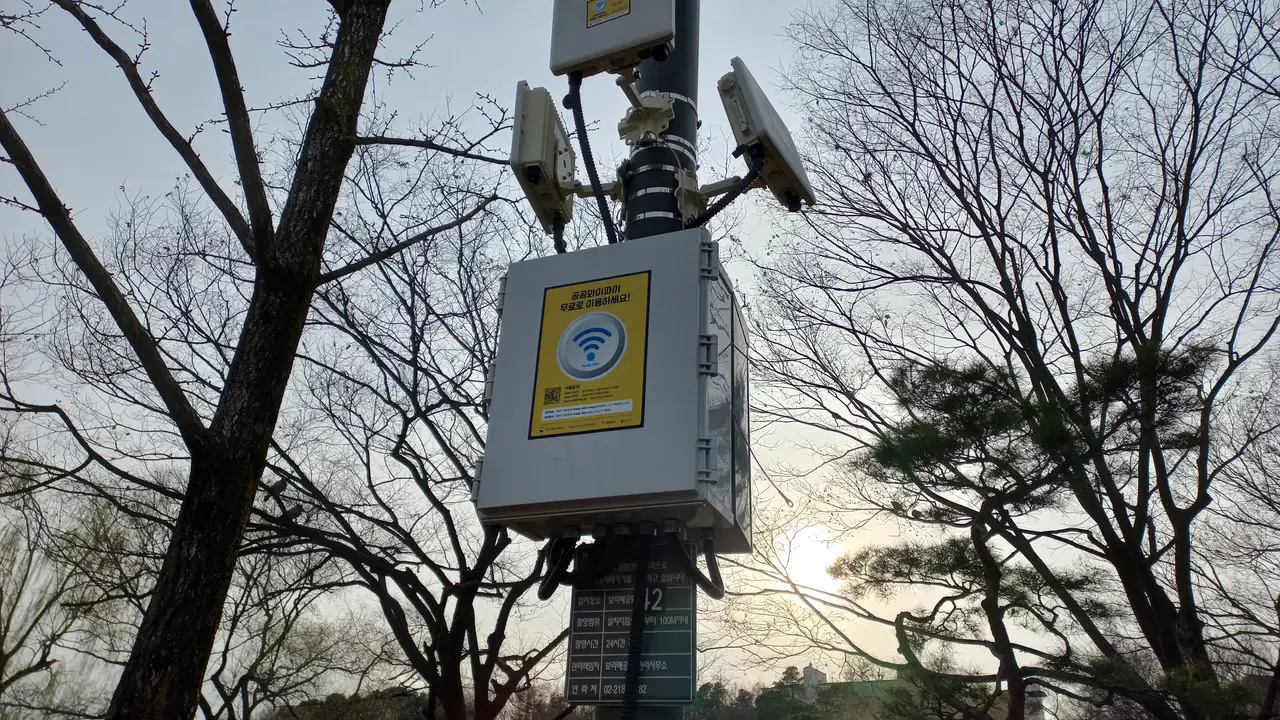
Public Wi-Fi is an option too. Korea's public Wi-Fi programme, run by the Ministry of Science and ICT with the National Information Society Agency, appears as Public WiFi Free in places like traditional markets, city buses and community centres; the secure version is Public WiFi Secure, with both the ID and password set to wifi. Inside Seoul, the city's own network is SEOUL_Secure on main streets, tourist spots, traditional markets and city buses, with both ID and password set to seoul. Seoul says that once you connect, your phone reconnects automatically after that.
What if the days run out before the data?
Every plan has a validity period. Once it ends, leftover data can no longer be used. Buy a total of 10GB, use 4GB, and the remaining 6GB is gone at the expiry date.
An eSIM you have installed but not yet activated is a different case. It can sit unactivated for a while, which is why installing before departure does not start the clock. That is covered in installing before you arrive.
Is a used-up eSIM refundable?
No. Kedanto's refund policy states that once an eSIM has been installed on a device, supply is regarded as complete even if it has not yet connected, because an installed eSIM cannot be recovered by the network, so no refund is given after installation. A used-up eSIM is well past that point.
Before installation, though, the answer changes. If you realise you bought the wrong plan before installing it, you can get a full refund and buy the right one. If your QR has already been issued, send the request to support with your order number.
How do you see it coming?
Once before you leave and once in the middle of the trip is usually enough.
The first time is when you buy. Whether you live on maps and messaging or watch video every evening changes the amount you need several times over. Put your itinerary into the calculator and it will tell you which plan fits.
The second is mid-trip. On a total-volume plan, glance at your phone's data usage screen on the evening you pass the halfway point and you will know whether the rest of the trip is comfortable. On a daily plan, the worry does not arise: the day's allowance runs out, things slow down, and by morning it is full again.
If the map opens a little slowly on the walk back from dinner in Myeongdong, that is the signal that the day's share is spent. The map still opens, and tomorrow morning it will be quick again.
Sort your data out before you fly
You keep your SIM and add one data line. Your home number stays on your usual SIM; whether its calls and texts reach you abroad depends on your home carrier's roaming.
See eSIMs by country