Can you call 112 or 119 in Korea if your eSIM is data-only?
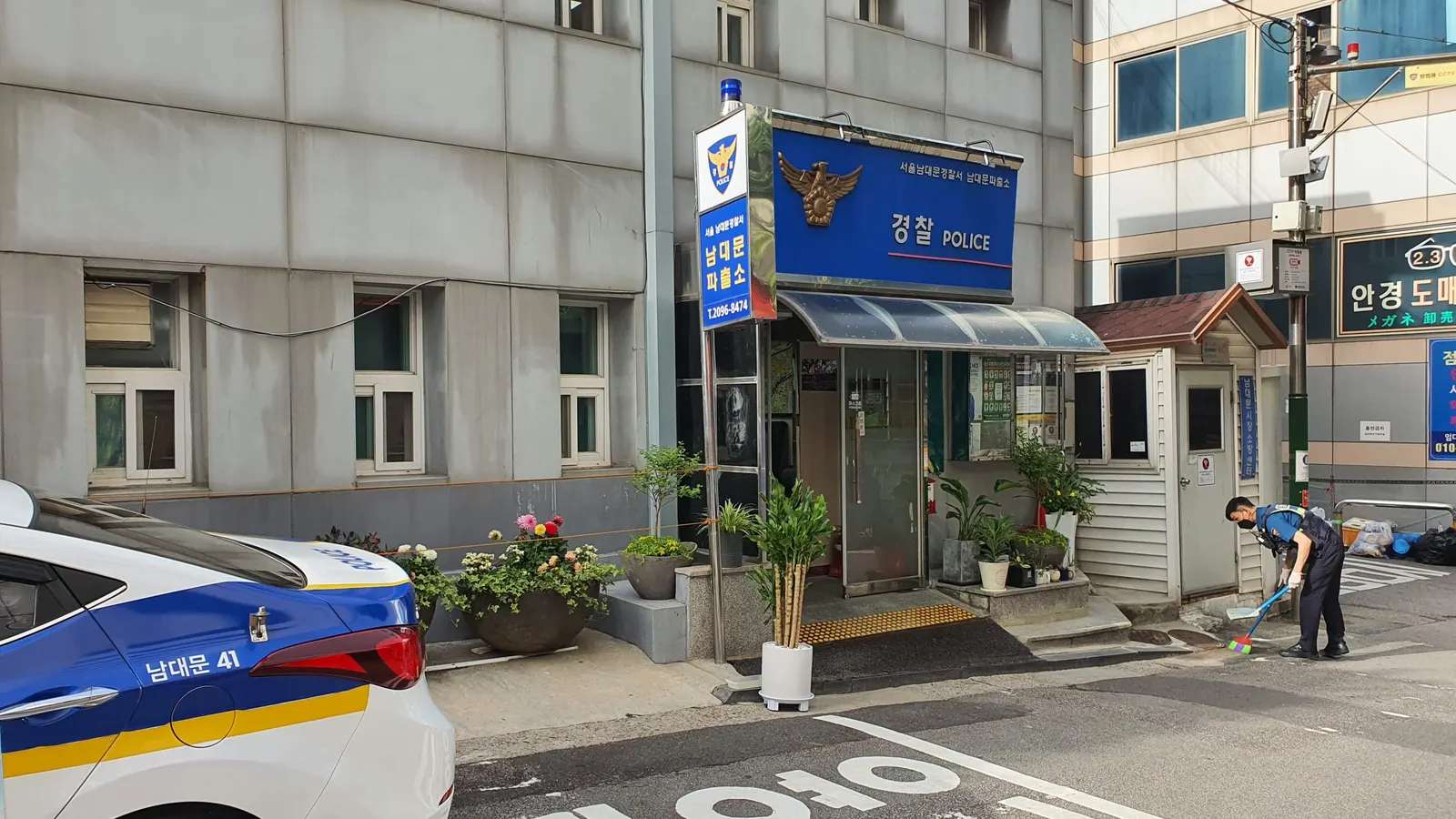
Yes, you can call 112 and 119, but the call doesn't go over the eSIM. Kedanto's Korea eSIM carries data only. It has no phone number and no SMS, so a call to 112 (police) or 119 (fire and ambulance) has to go out on a line that can make calls, and for most visitors that's the home SIM, roaming on a Korean network. The eSIM's data still helps: it's how you reach the 1330 Korea Travel Hotline by internet call or chat when there's no Wi-Fi.
We checked this against pages from Korea's National Police Agency, National Fire Agency, Ministry of the Interior and Safety and Korea Tourism Organization, and against Apple, Samsung, Google and WhatsApp support pages and terms, on 29 September 2026.
Which number do you call in Korea for the police, a fire or an ambulance?
112 for the police, 119 for fires, rescues and medical emergencies. POL-Buddy, the National Police Agency's multilingual crime-prevention guide, lists 112 for reporting crime and 119, run by the National Fire Agency, for fires, emergency patients and rescue. The same list puts 1330, run by the Korea Tourism Organization, down as the tourist information line.
You don't need to worry much about picking the wrong one of the two. The Ministry of the Interior and Safety explains on its page about the integrated emergency call service that Korea folded its many old reporting numbers into 112 and 119 for emergencies and 110 for general government enquiries. When a call belongs to the other agency, it's passed across with the details shared, so the caller doesn't have to explain everything again. Note that 110 is the government enquiry line in Korea, not the police.
Can the Kedanto eSIM itself make a call to 112 or 119?
No. Kedanto's Korea page says it plainly: "All plans are data only. No phone number and no SMS." A normal phone call, emergency calls included, needs a line with voice service, and this line doesn't have one.
Kedanto's FAQ suggests data calling apps such as WhatsApp or KakaoTalk for everyday calls. Those don't stand in for an emergency call. WhatsApp's Terms of Service say its services "do not provide access to emergency services or emergency services providers, including the police, fire departments, or hospitals," and that you should make sure you can reach emergency services through a mobile phone, a fixed-line telephone or another service. We didn't check the terms of other calling apps, so don't plan on any of them reaching 112 or 119.
What lets a phone with no Korean number get through to 112 or 119?
Your home line, left switched on. If your home carrier lets that SIM roam in Korea, it can make calls here, so you can dial 112 or 119 from the phone's keypad as you would at home. Keep in mind that emergency services may need to call you back, and the Korea eSIM has no number for them to call.
The phone makers describe a fallback for when your own carrier can't be reached, but they all word it cautiously:
- Apple, in "Use SOS to contact emergency services on your iPhone": if your carrier's cellular network is unavailable, iPhone "attempts to route any emergency calls through other networks, if available." The same page warns that some networks may not accept an emergency call from an iPhone that isn't activated or has no SIM card.
- Google, in its Android Help page on getting help during an emergency: with no SIM card or eSIM, "you may be able to place emergency calls."
- Samsung's US page on using a Galaxy in emergencies says emergency numbers can be called without active service with a carrier. That page is written around 911 in the US.
"Attempts" and "may" are the operative words, so don't lean on the fallback. The setup that doesn't need it is the usual one for a data-only eSIM: home line on for calls and texts, internet on the Korea eSIM, and data roaming off on the home line. Data roaming controls internet over your home plan, and turning it off doesn't switch the line off. Where to set each of these is in Getting verification texts on your home number in Korea, and the order to do it in after landing is in Your first 30 minutes in Korea.
One thing to know about the cost: Google notes that if you make an emergency call while roaming, your carrier may charge extra for sending your phone's location to emergency responders. What the call itself costs depends on your home carrier.
How do you start an emergency call quickly on an iPhone, Galaxy or Pixel?
From the lock screen, dial 112 or 119 yourself. Each of these phones has a way to do it without unlocking:
- iPhone: on the Passcode screen, tap Emergency, then dial the number. Emergency SOS starts when you press and hold the side button and either volume button until the sliders appear and the countdown ends. You can also turn on Settings › Emergency SOS › Call with 5 Presses.
- Galaxy: Samsung says to swipe the Phone icon or swipe up as if unlocking, then tap Emergency call. Emergency SOS is under Settings › Safety and emergency › Emergency SOS, and starts when you press the Side button five times in a row.
- Pixel and other Android phones: Emergency SOS is under Settings › Safety & emergency › Emergency SOS, and starts when you press the power button 5 times or more. Google says it doesn't work in airplane mode or when Battery Saver is on.
Apple's page says Emergency SOS calls emergency services but doesn't name the number it picks in Korea. On a Galaxy, the Emergency SOS settings include an "Emergency number to call" option, and Samsung says emergency numbers can be called there even without active service with a carrier, while a custom number needs a mobile network connection. Samsung also says the phone needs an active SIM card to send the SOS alert to your emergency contacts. Before you travel, look at which number your Galaxy is set to call. If you can dial, typing 112 or 119 yourself is the more predictable route.
Don't count on the satellite option in Korea. Apple's page on Emergency SOS via satellite (published 29 September 2026) lists the countries where it works, and South Korea is not on that list.
Can you text 112 or 119 instead of calling?
Korea accepts text reports, but the Korea eSIM can't send them. The 112 reporting portal of the National Police Agency lists phone, text, 10-second recording and video reports, plus the 112 reporting app. The Government24 page for the National Fire Agency's 119 multi-channel reporting service lists video calls, SMS/MMS texts, an app and web reports, and names foreigners among the people the service is meant for.
The ones we could check all rely on a phone number. The National Fire Agency's App Store description of its 119 reporting app (119신고) says reports are sent to the local fire control room by MMS or SMS, and the version notes say the app switches to English, Chinese, Japanese and several other languages when your phone is set to one of them. The 112 portal's web reports start with a phone-number check that sends a verification code. The Korea eSIM has neither SMS nor a number, so none of this runs over it.
We couldn't confirm from official pages whether a text from a foreign number roaming in Korea reaches 112 or 119, or whether the 112 portal accepts a foreign number for its check. Treat a voice call as the route that works.
Will the person on 112 or 119 speak English?
For 112, English and Chinese interpreters are available. Korea.net, the government's official portal, reported on 2 July 2023 that the National Police Agency had started a 112 interpretation service for non-Koreans, beginning with English and Chinese because they were the two languages with the most demand. Korean news reports in March 2024 said the service had been extended to 24 hours a day, and that Japanese and Vietnamese were planned next. We couldn't find an official page confirming that more languages have been added since.
For 119, we couldn't find a National Fire Agency page that lists interpretation languages nationwide. Regional news reports describe three-way calls with volunteer interpreters, and the languages differ from province to province.
On either line, start with the language you can talk in, then give where you are: the name of a subway station, a building or a nearby shop helps.
What can the 1330 Korea Travel Hotline do, and how do you reach it with data alone?
1330 is for travel help, not emergencies, and it's the one line on this page that runs fine over the Korea eSIM. The Korea Tourism Organization's VISITKOREA page describes 1330 as a telephone and real-time chat service offering tourist information, tourist interpretation, handling of tourist complaints, with a tourist police section alongside. The Government24 page for the service describes the interpretation as help at places like accommodation, public transport, restaurants and shops, and lists a connection to the tourist police among its services.
Ways to reach it, as listed by VISITKOREA:
| Way in | Needs | Note |
|---|---|---|
| Phone | A line that can call | 1330 inside Korea, +82-2-1330 from overseas |
| Online voice call | Internet | "No charges for calls on Wi-Fi / Data charges may apply" |
| 1330 Messenger | Internet | Chat with no download needed |
| KakaoTalk, Facebook, LINE | Internet and the app | Chat inside the messenger |
The online call and the chats are the ones a data-only eSIM can carry. On mobile data they use your plan's data allowance.
We couldn't confirm 1330's current hours from KTO's own pages. Tourism pages run by Gimhae City and South Chungcheong Province give 7 a.m. to midnight Korea time, while older material describes a 24-hour service. For anything urgent, call 112 or 119 first.
Where does the Korea eSIM fit in an emergency?
The call itself goes out on your home line, but whoever answers will need to know where you are, and your data is what answers that. Picture a sprained ankle on the way down from a hillside park after dark: with a map app open on the Korea eSIM, you can read the address or the nearest station name off the screen while you're still on the call, and share the pin with a friend. What to use instead of Google Maps in Korea covers which map apps to use and which languages they support. The rest is a short job for your first evening, and easier then than in the moment: check that your home line is on, add 1330 in KakaoTalk or LINE, and make sure data roaming is off on the home line so the maps run on the eSIM.
Sort your data out before you fly
You keep your SIM and add one data line. Your home number stays on your usual SIM; whether its calls and texts reach you abroad depends on your home carrier's roaming.
See eSIMs by country