5G on a Korea eSIM is a bonus you don't need to chase
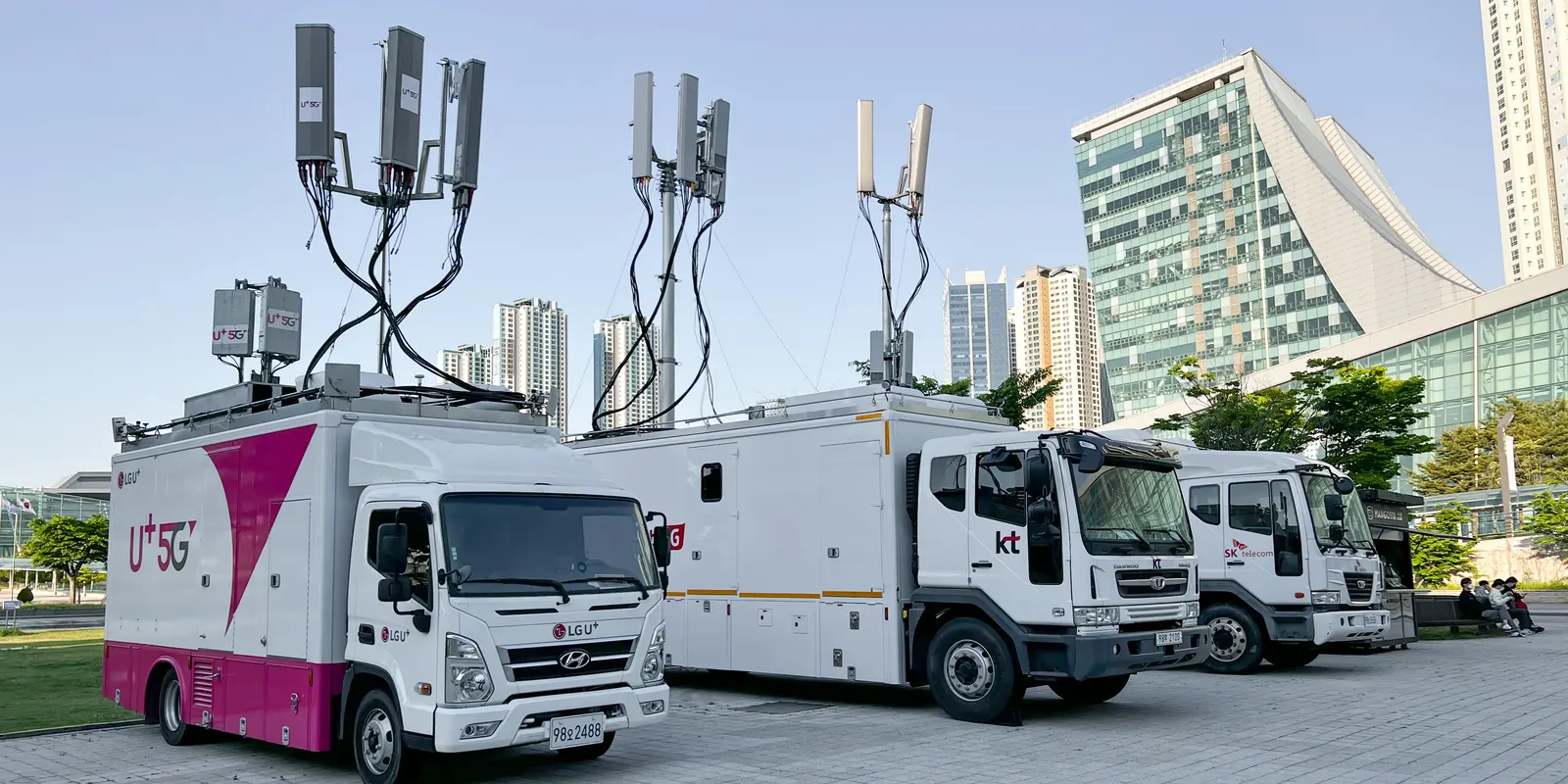
You don't need 5G to get around Korea on a travel eSIM. Kedanto's Korea plans are listed on the SK Telecom and LG U+ 5G networks, and you may well see a 5G icon, but if your phone shows LTE instead, maps, messaging and translation still have plenty of room. The facts below come from Kedanto's own product pages, Apple and Samsung help pages, and the Korean government's 2025 network quality evaluation, all checked on 30 September 2026.
What network does a Kedanto Korea eSIM connect to?
Every Korea product page lists the network as SK Telecom · LG U+ (5G). The Korea page says the same thing in a sentence: the eSIM connects to the SK Telecom and LG U+ 5G networks. It adds that your internet traffic exits through Singapore, so some Korean websites and apps may treat you as connecting from abroad. Hotspot use is marked as allowed.
Read that listing as the networks the line is allowed onto, not as a guarantee of a 5G icon on every street. The product page itself says speed varies with the area, the time of day and how busy the network is.
Which phones can pick up 5G in Korea?
Three conditions have to line up: a 5G phone, support for the band Korea uses, and 5G being enabled for the line you're on.
- The phone. Apple lists "an iPhone 12 model or later" as the first requirement for 5G. On a Galaxy, check the spec sheet for your exact model rather than guessing from the name.
- The band. Korean phones get 5G in the 3.5 GHz range. The Ministry of Science and ICT auctioned 3.42–3.7 GHz to the three carriers in 2018 and gave LG U+ another 20 MHz at 3.40–3.42 GHz in July 2022. The higher 28 GHz licences were cancelled for KT and LG U+ in December 2022 (Korea's government news service, korea.kr) and for SK Telecom in 2023. That whole 3.4–3.7 GHz range falls inside the band the industry calls n78, so n78 is the entry to look for in your phone's 5G band list.
- The line. Apple also lists "a carrier that supports 5G" and "a 5G cellular plan". Samsung's 5G carrier page adds a warning that matters to visitors: "Access to 5G service may not be available when utilizing foreign 5G networks outside the region of initial release."
Kedanto's device check answers a different question: whether the phone takes an eSIM at all. Carrier locks, the other thing that stops a travel eSIM, are covered in the two checks before you pay.
Why does my phone say LTE instead of 5G?
Usually because 5G isn't available to that line on that phone, and that isn't a fault. Apple's 5G page puts it plainly: many carriers support 5G roaming, and if yours doesn't, you get cellular data through 4G or LTE networks instead. Samsung's regional warning above points the same way for Galaxy phones bought outside Korea.
A few other things can push a phone to LTE:
- Coverage and network design. The Ministry of Science and ICT says Korea's carriers run 5G in non-standalone (NSA) mode, which leans on the LTE network. That is why its 2025 evaluation started measuring 5G and LTE together.
- Low Power Mode on iPhone. Apple says turning it on disables 5G, except in some cases such as video streaming and large downloads on iPhone 12 and iPhone 13 models.
- The icon itself. Apple notes that the 5G icon follows the carrier's network configuration and "in rare cases, may appear even when 5G coverage isn't available."
Choosing 5G On won't create 5G that isn't there. Apple describes that option as using the 5G network "when it's available". If the icon says LTE and pages load, leave it. If nothing loads at all, that is a different problem, and the no-internet checklist covers it.
Is LTE fast enough for a trip around Korea?
For maps, messaging, translation and social media, yes, with a wide margin. Korea's Ministry of Science and ICT and the National Information Society Agency (NIA) published their 2025 communication service quality evaluation on 30 December 2025. The average download speed was 973.55 Mbps on 5G and 96.18 Mbps on LTE. The LTE figure is lower than the 178.05 Mbps from 2024 because the ministry now measures 5G and LTE at the same time, since 5G shares the LTE network.
The same evaluation sets the speed each kind of use needs: 5 Mbps for web search, 20 Mbps for short-form social video, 45 Mbps for video meetings and 100 Mbps for high-definition streaming. The LTE average sits many times above the first two.
Two limits apply. First, those averages come from phones on Korean carriers' own plans, not from travel eSIMs, and a Kedanto line sends its traffic out through Singapore. A speed test on your phone won't match them. Second, on a daily plan the network type stops mattering once the day's allowance is gone: the line stays up at 1 Mbps, whether the icon says 5G or LTE. What happens when the data runs out explains that stage.
Which iPhone setting should I pick for the Korean line?
5G Auto is the sensible choice for a travel line. Open Settings, tap Cellular, then Cellular Data Options (or Mobile Data, then Mobile Data Options) and tap Voice & Data. If you have two lines, Apple says to pick the number you want to change first. Choose the Kedanto line; your home line, which keeps your usual number, keeps its own setting.
Apple describes the three options like this:
- 5G Auto: turns on Smart Data mode. "When 5G speeds don't provide a noticeably better experience, your iPhone automatically switches to LTE, saving battery life."
- 5G On: "Always uses 5G network when it's available. This might reduce battery life."
- LTE: "Uses only LTE network, even when 5G is available."
The setting that affects your data allowance sits on the same screen under Data Mode. Allow More Data on 5G turns on higher-quality FaceTime, iOS updates over cellular and automatic iCloud backups, and Apple says it "uses more cellular data". Apple also says it is the default with some unlimited plans, depending on the carrier. On a plan with a fixed number of gigabytes, set that line to Standard or Low Data Mode.
Where is the same setting on a Galaxy?
Samsung's help page gives the path as Settings › Connections › Mobile networks › Network mode, then choose the mode you want. Pick a mode that includes 5G to allow it, or one without 5G to stay on LTE. Samsung Australia suggests switching from 5G to 4G if you're in a low-reception area and struggling to get a decent signal.
Samsung's Gulf support page also warns that "certain network modes may not be available in the settings menu", depending on the carrier, the device and regional network settings. If 5G isn't offered for the Korean line, there's nothing to fix. On a phone with two lines, check which SIM the screen is showing before you change anything.
When is 5G worth having on a short trip?
When you move a lot of data in a short time: uploading a day's videos, sharing a hotspot with a laptop, or taking long video calls away from Wi-Fi. 5G doesn't change how many gigabytes something uses. A map route or a photo is the same size on either network, so the plan size question is separate, and how much data a trip needs works it out by itinerary. If you plan to run a laptop off your phone, the laptop and hotspot guide covers what a computer quietly downloads in the background.
For everything else, the icon at the top of the screen is a detail. When you switch the phone on in the arrivals hall, the thing to test is whether the route to your hotel loads, not what the network icon beside the signal bars says.
Sort your data out before you fly
You keep your SIM and add one data line. Your home number stays on your usual SIM; whether its calls and texts reach you abroad depends on your home carrier's roaming.
See eSIMs by countryRead next
- How to stop your home carrier charging you roaming while you use a Korea eSIM
- Leaving Korea? Don't delete your eSIM. Switch your data line back first
- Can you buy a Korea eSIM after you land? Yes, on airport Wi-Fi, if three things are in place
- Buying a Korea eSIM for a parent or partner and getting it onto their phone