Leaving Korea? Don't delete your eSIM. Switch your data line back first
On the day you leave Korea, the job on your phone is switching back, not deleting. Move your data line back to your home line and switch the travel line off. Deleting the line itself isn't urgent, and if there's validity left on it, deleting can cost you. There's one catch in the order: you switch back after you land at home, not at the airport in Korea.
What follows is based on Apple and Samsung's official support pages and on Kedanto's terms and order page, all checked on 19 September 2026.
Do you need to delete the eSIM when you leave Korea?
No. Turning it off is enough. Apple tells you to erase an eSIM when you've transferred its plan or number to another device, or when you're going to sell, trade in or give away the device. The same page says not to erase an eSIM as a troubleshooting step unless your carrier tells you to (Apple, "How to erase an eSIM on your iPhone or iPad," published 17 September 2026).
Deleting is also the direction you can't undo. Apple says that if you erase an eSIM, you'll need to contact your carrier to get a new one, and the install QR code Kedanto sends can be installed only once. Delete an eSIM with validity left on it at the departure gate, and there's no way to put that remaining period back on your phone.
Can you switch your data line back while you're still at the airport in Korea?
Keep it on the travel eSIM until you board. Apple's Dual SIM guide says one number at a time can use cellular data. If you move the data line to your home line at the gate, your phone tries to reach the internet through your home line while you're still in Korea.
What happens next depends on your home line's data roaming switch. If it's off, your data simply stops at the gate. If it's on, that data can be billed as roaming by your home carrier. Apple notes that only some carriers include international roaming on select plans without additional fees. Either way, there's no reason to rush this at the gate.
Flying home via another country: what about roaming on your home line?
Leave it off until you land in the country where you live. If data roaming is on for your home line, your home carrier's roaming can start the moment you turn off airplane mode at the transit airport. Kedanto's setup guide told you to keep roaming off on your home line when you arrived in Korea. Carry that same setting all the way home.
Don't count on the Korean eSIM for data at your stopover. The networks Kedanto lists for its Korea plans are SK Telecom and LG U+ 5G in Korea. If your layover is long, look into the airport's Wi-Fi or a roaming plan from your home carrier.
What do you switch back when you get home?
Once airplane mode is off, do these three things in order.
- Check that your home line is on. Apple says that on iOS 26 and later, an iPhone that was using a travel eSIM automatically turns the travel eSIM off and your home SIM back on when you return, depending on your country or region. If you don't get a notification that this happened, Apple says to go to Settings → Cellular and make sure "Turn On this Line" is enabled next to your primary line (Apple, "Use eSIM while traveling internationally with your iPhone," published 17 September 2026).
- Move the data line to your home line. On iPhone, Settings → Cellular → Cellular Data. On Galaxy, Settings → Connections → SIM manager → Mobile data. Pick your home line.
- Turn the travel line off. On the same page, Apple says to turn off any travel eSIM lines no longer in use. Off, not deleted.
Apple's data roaming page also says that when you're no longer traveling, you might see a notification to switch your eSIM back to the one for your home plan. Whether or not it appears, check the three steps above yourself once.
Can you use the leftover days and data on your next trip to Korea?
Yes, if you're back before the expiry date on your order page. After that, you'll need a new one. Kedanto's order page says the validity period counts from the day you activate, and once the eSIM is active, the "Data left" box shows an "Expires" date and the days remaining. The period runs on continuously from activation, so days spent outside Korea come off it too.
As of September 2026, the validity of Kedanto's Korea plans is:
| Type | Plan | Validity |
|---|---|---|
| Daily | 1GB per day | 3, 4, 5, 7, 10 or 15 days |
| Daily | 2GB per day | 5, 7 or 10 days |
| Total | 1GB total | 7 days |
| Total | 3, 5, 10, 20 or 50GB total | 30 days |
Daily plans are chosen to match the length of a trip, so a spare day or two at the end just runs out. The plans with real room to carry over are the 30-day total-data ones. Say you activated 20GB total, stayed nine days and flew out: only if you're back in Korea within the roughly three weeks left before the expiry date on your order page can you keep using what's left. Then you'd turn the line back on, choose it as your data line and turn on data roaming for it. If you deleted it, that option is gone.
If the trip ended, or was cancelled, before you ever activated the eSIM, things are different. The order page then shows an "Activate by" date instead of "Expires," and Kedanto says you can activate any time before that date.
Is unused data refunded?
Once activated, leftover data and days are not refunded. In fact the cutoff comes earlier: Kedanto's refund policy says that once the eSIM has been installed on a device, supply is regarded as complete even if it hasn't connected yet, because an installed eSIM cannot be recovered by the network, so no refund is given after installation. That holds whether you used 3GB of a 10GB plan or missed the last two days of a daily plan.
The exception is when a supplier outage made the eSIM unusable. In that case the policy provides a partial or full refund after verifying evidence, regardless of installation or activation. The policy also lets you withdraw, even after installation or activation, if the product differs from what was displayed or advertised, under Article 17(3) of Korea's E-Commerce Consumer Protection Act, within 30 days of learning of it and within 3 months of supply. An eSIM that was never installed is refunded in full once the supplier confirms it wasn't installed; one that was installed but never activated is not refunded.
Deleting the eSIM from your phone doesn't change any of this. Samsung's Korean service site explains that deleting an eSIM in Settings doesn't release the plan; it only removes the eSIM information your phone recognizes. Deleting is tidying up your phone, not a refund or a cancellation.
On iPhone, where do you turn it off and where do you delete it?
Turning off is the line switch; deleting is the plan deletion button. They sit on the same screen, which makes them easy to mix up.
- Turn off: Settings → Cellular → the travel line → switch off "Turn On this Line." The line stays on your phone, and switching it back on brings it back.
- Delete: In Settings → Cellular, tap "Delete eSIM" if you have a single plan. With multiple plans, tap the plan you want to erase, then "Delete Plan" (Apple's wording).
With several lines side by side, read the line name once more before deleting. If you delete your home line, you'll have to contact your home carrier for a new eSIM.
On Galaxy, where do you turn it off and where do you delete it?
Both are inside SIM manager.
- Turn off: Settings → Connections → SIM manager, then switch the travel eSIM off.
- Delete: Samsung Ireland's support page (last updated January 2022) says: go to Settings → Connections → SIM card manager, select the plan you want to remove, switch its toggle off so it greys out, then tap Remove. The same screen has "Remove all mobile plans," which deletes every plan at once. Depending on your phone, the menu may be called SIM manager instead.
"Remove all mobile plans" takes your home eSIM with it, so don't use it when you only want to clear the travel line. Galaxy phones bought in mainland China work a little differently: Samsung China's support page (updated 29 July 2026) says they can store at most two eSIMs. If that space is full and you need room for your next trip's eSIM, that's the moment to delete the Korean one.
So when should you delete it?
Once your order page shows "Ended" or "Data used up", deleting costs you nothing. Before that, deleting still makes sense when:
- your phone has no room left for your next trip's eSIM
- you're selling or giving away the phone (one of the cases where Apple tells you to erase the eSIM)
- your next visit to Korea is after the expiry date, so you'll never turn this line on again
If there's any chance you'll be back before the expiry date, leaving it switched off costs nothing.
What do you do at the boarding gate before you stand up?
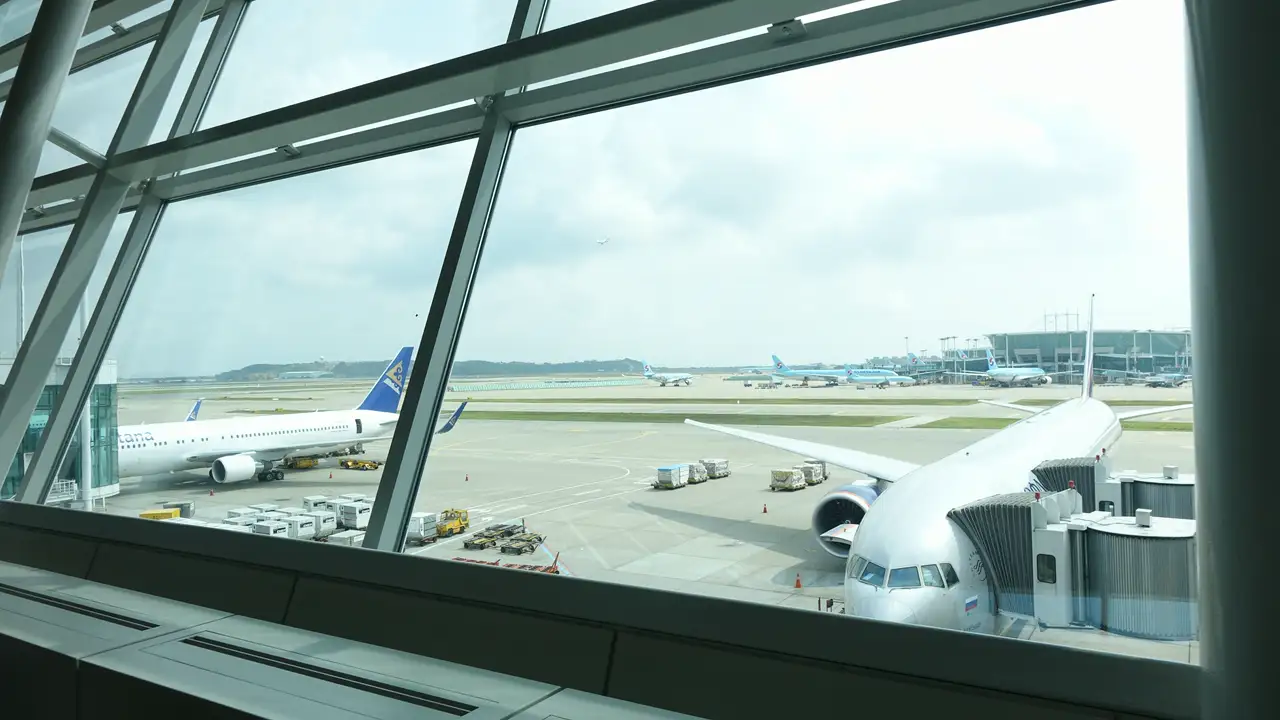
Sitting by the gate, watching the planes through the glass, is a good time to start this. Your data is still going out over the travel eSIM, so send your last messages as usual. Then open your Kedanto order page and take a screenshot of the expiry date in the "Data left" box. When you pick your next travel dates, that one date decides whether you turn this line back on or delete it. Last, check in Settings that data roaming is off on your home line, and switch on airplane mode when boarding is called. Moving the data line back and turning the travel line off can wait until you've landed at home and are standing in line for the airport bus. If you ever need to go through the install screens again on a future trip, where the iPhone and Galaxy install screens differ will still be there.
Sort your data out before you fly
You keep your SIM and add one data line. Your home number stays on your usual SIM; whether its calls and texts reach you abroad depends on your home carrier's roaming.
See eSIMs by country