Two things to check on your phone before you pay for a Korea eSIM: eSIM support and the carrier lock
What should I check on my phone before buying a Korea eSIM?
First the model: does it have eSIM, and did the country it was sold in leave eSIM out? Then the lock: is the phone tied to your home carrier? Apple states the second point plainly: to use another carrier while abroad, "your iPhone cannot be locked to a carrier" (checked 11 September 2026). Once both pass, you're ready to choose a Korea plan. Whether you'll need a Korean phone number is a separate question, and this post doesn't cover it.
Step 1: Does my phone have eSIM?
In most markets, iPhone XS and XR onward, Pixel 4 onward, and the Galaxy S series from the S20 on have eSIM, but some models lose it depending on where they were sold. Apple lists the iPhone X, 8, 7 and earlier as nano-SIM only. On the iPhone SE (2nd generation), Apple's own pages disagree: its SIM-type page groups it with the nano-SIM-only models, while its technical specifications say "Dual SIM (nano-SIM and eSIM)". We couldn't settle which is right. Samsung also warns that "depending on the country of origin, eSIM may not be supported even if your device is listed." The surest test is whether the menu exists. On iPhone it's Settings › Cellular (Mobile Service in some regions) › Add eSIM, and on Galaxy it's Settings › Connections › SIM manager › Add eSIM (some Samsung pages call it SIM card manager › Add mobile plan). The model list is on our device check page.
Does seeing an EID mean my phone supports eSIM?
We found no Apple or Google page that says an EID on screen proves a phone supports eSIM. Google says a phone needs an EID to use eSIM, but it doesn't say that having one guarantees eSIM works. A carrier may ask you for the EID. Here's where each company says to find it:
- iPhone: Settings › General › About, scrolling down past the serial number. It's also on the original box barcode and in the Devices section of account.apple.com.
- Pixel: Settings › About phone › SIM status.
- Galaxy: Settings › About phone › Status, or the box (Samsung UK).
The dial code *#06# gets suggested a lot, but Samsung's US page says it shows the IMEI and serial number and doesn't mention the EID.
My iPhone or Pixel from the US has no SIM tray. What does that mean?
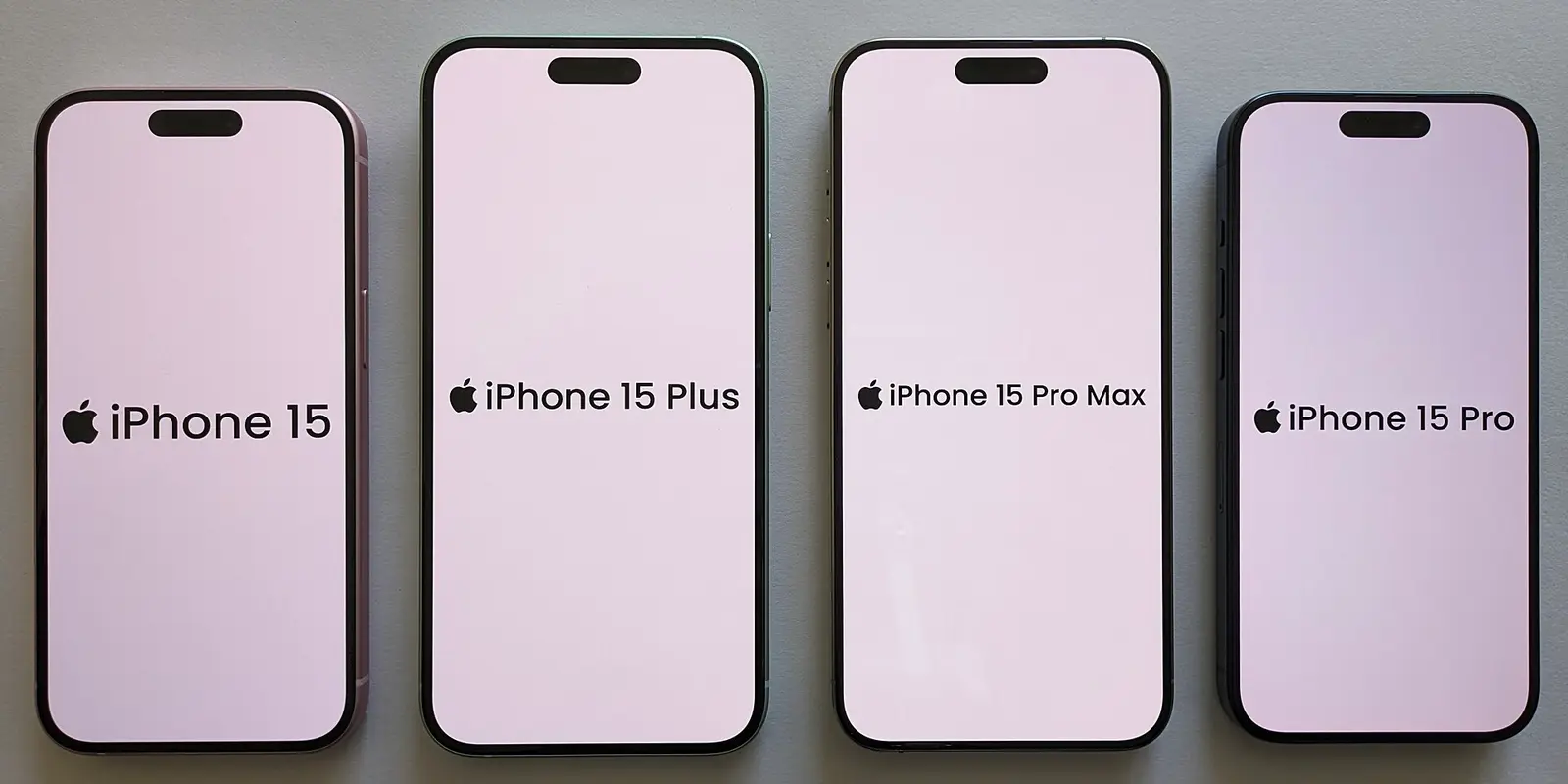
It means the phone already runs on eSIM, so step 1 is done, but step 2 still applies. Apple lists these iPhones as eSIM-only:
- US-sold: the iPhone 14, 15 and 16 series and the iPhone 16e.
- Sold in the US, US Virgin Islands, Canada, Mexico, Japan, Guam, the UAE, Saudi Arabia, Bahrain, Kuwait, Qatar or Oman: the iPhone 17e, 17, Air, 17 Pro and 17 Pro Max. The same models sold elsewhere take both eSIM and nano-SIM.
Google says US Pixel 10, 10 Pro and 10 Pro XL are eSIM-only. Its spec sheet lists the US Pixel 10 and Pixel 11 models as "Dual eSIM (2 active eSIMs)".
On these phones your home number is already an eSIM, and the Korean line goes in beside it. iPhone 13 and later can use two eSIMs at the same time. Pixel 7 and later can too, if the carrier allows it. Kedanto's lines are data-only, so your number and texts stay on your home line.
Does an iPhone from China or Hong Kong, or a Pixel from Japan, have eSIM?
No for some models: mainland-China iPhone 17, 17 Pro, 17 Pro Max and 16e, and most Hong Kong and Macao iPhones in the 11 to 16 series, have two nano-SIM slots and no eSIM. Here are the exceptions by place of sale that official pages list (checked 11 September 2026):
| Where sold / model | eSIM |
|---|---|
| Mainland China: iPhone 17, 17 Pro, 17 Pro Max, 16e; 11–16 series (except mini), XS Max, XR | No (two nano-SIM slots) |
| Hong Kong and Macao: iPhone 11–16 series (except mini and 16e), XS Max, XR | No (two nano-SIM slots) |
| Hong Kong and Macao: iPhone 17e, 17, Air, 17 Pro, 17 Pro Max, 16e, 13 mini, 12 mini, XS | Yes |
| Galaxy A36, A35 | Only Europe, North America and Korea models, per Samsung UK and Samsung India (Samsung Australia's list for Australian models does include the A36 5G) |
| Galaxy A54 | Only Europe, North America, Korea and Japan models (same pages) |
| Pixel 3a | Not if bought in Japan or with Verizon service |
| Pixel 3 | Not if bought in Australia, Taiwan or Japan, or from any US or Canadian carrier other than Sprint and Google Fi |
The mainland-China iPhone 17e and Air do have eSIM. So do the iPhone 18 Pro, 18 Pro Max and iPhone Duo, according to an Apple page posted 9 September 2026. Apple says an eSIM-capable iPhone bought in mainland China can activate a local carrier's eSIM when it's outside mainland China, as long as Location Services is on. We found no official statement on whether that covers travel eSIMs like this one.
Step 2: Is my phone locked to my home carrier?
On iPhone, go to Settings › General › About. If "No SIM restrictions" appears next to Carrier Lock, the phone is unlocked.
- Galaxy: Samsung US points to Settings › Connections › More connection settings › Network unlock, which shows the network lock status, though "certain options may vary by carrier".
- Pixel: Google gives no settings path. It says phones from the Google Store come unlocked, but a phone bought from a mobile service provider "could be SIM-locked for up to 2 years". Google Fi's help says to ask your current carrier or the place you bought the phone if you're not sure.
The lock matters even on a phone that holds two lines. Apple says that to use two carriers, "your carrier must unlock your iPhone, or both plans must be from the same carrier." Its spec pages also warn that "use of eSIM in iPhone may be disabled when purchased from some carriers." If an iPhone says the SIM isn't supported, Apple's advice is to check the same Carrier Lock line and call your carrier if "No SIM restrictions" isn't there. A Kedanto QR code installs only once, so don't try installing it just to find out whether your phone is locked.
Who unlocks a locked phone, and how long does it take?
Whoever locked it, and some carriers now unlock phones automatically. Apple can't unlock iPhones: "Only your carrier can unlock your iPhone," and it may take a few days. Samsung says it doesn't lock its own devices. You ask the original provider or retailer for an unlock code and give them your IMEI (Settings › About phone › Status). Most carriers want the phone paid off first, and Samsung UK notes that some unlock for free, some charge, and some won't unlock at all.
When will Verizon, AT&T or T-Mobile unlock my phone?
At all three, a phone on a payment plan stays locked until it's paid off. On 12 January 2026 the FCC waived the rule that had required Verizon to unlock phones 60 days after activation (Order DA 26-43). Verizon now follows the CTIA Consumer Code like the other major carriers. Their published conditions (checked 11 September 2026):
- Verizon (policy updated 18 February 2026): postpaid phones unlock automatically when bought at full retail price or once the device financing is paid in full. Prepaid phones unlock after 365 days of paid, active service. According to Verizon's business support page, this applies to phones bought on or after 27 January 2026. Phones bought before then stayed on the old 60-days-from-purchase lock. Paying off with a Verizon gift card delays the unlock by 35 days, and phones reported lost or stolen stay locked.
- AT&T (support article dated 29 June 2026): for postpaid phones, the phone was bought at least 60 days ago, is paid in full, hasn't been reported lost, stolen or linked to fraud, has no past-due balance, and isn't active on another AT&T account. Prepaid phones need 12 months of paid service. You request the unlock at att.com/deviceunlock. If you paid the phone off early, the number must have been active for at least 60 days, and you apply 48 hours after the last payment.
- T-Mobile (the policy page shows no last-updated date): for postpaid phones, the phone has been active on the requesting line for at least 40 days and is paid in full. Prepaid phones unlock after 365 days of activation, or sooner if you've refilled more than $100. There's a limit of two unlocks per line every 12 months. Phones that support remote unlock are unlocked automatically within 2 business days of qualifying.
- Japan: the Ministry of Internal Affairs and Communications bans SIM locks in principle. Since 1 October 2023, carriers must unlock previously locked phones free of charge on request. NTT docomo says models released from 27 August 2021 have no SIM lock, and older ones unlock free through My docomo, by calling 151, or at a docomo shop. au (notice posted 19 August 2026) is changing its phones' settings in stages so that no unlock is needed. If you'd rather not wait, you can unlock in My au or at a shop. SoftBank unlocks for free through My SoftBank on the web.
- Not confirmed: carriers in the UK and Europe, Canada, Australia, India, Taiwan, Hong Kong, mainland China, and anywhere else not listed here. Ask your carrier directly.
The CTIA code itself notes that an unlock doesn't guarantee the phone is technically compatible with another network. If you can't confirm the unlock before you fly, hold off on buying an eSIM for this trip.
If my phone can't use it, can I get a refund from Kedanto?
Kedanto's refund policy says that if your device isn't supported and the eSIM wasn't installed, you get a full refund, and there is no refund once it's installed. The English page shows a translated notice at the top, but the clauses themselves are in Korean, and the Korean text is the one that applies. The QR code is issued as soon as your payment goes through. The self-cancel button on the order page only works before the eSIM is issued, so it usually won't be available. Instead, email support@kedanto.com with your order number. If the supplier's system confirms the eSIM hasn't been installed, you get a full refund. The policy has no separate clause for a line that installs but won't connect because of a carrier lock, and an installed eSIM is not refunded even if it never activates. If you're not sure the unlock will come through in time, don't scan the QR code; ask for the refund first rather than waiting.
If you find out before paying that your phone won't work, don't buy. Use a Wi-Fi rental at Incheon Airport (인천공항) or your home carrier's roaming instead. If you do ask for a refund, attach a screenshot of the Carrier Lock screen to your email. It shows why the eSIM won't work, so you don't have to explain.
Sort your data out before you fly
You keep your SIM and add one data line. Your home number stays on your usual SIM; whether its calls and texts reach you abroad depends on your home carrier's roaming.
See eSIMs by countryRead next
- A travel eSIM for Korea won't go on your Apple Watch or Galaxy Watch
- When exactly is a Korean eSIM activated? Refunds end at installation, validity starts at activation
- Korea and Japan on one trip: why it takes two eSIMs, with prices for three itineraries
- What to use instead of Google Maps in Korea — map apps and data