Can you buy a Korea eSIM after you land? Yes, on airport Wi-Fi, if three things are in place
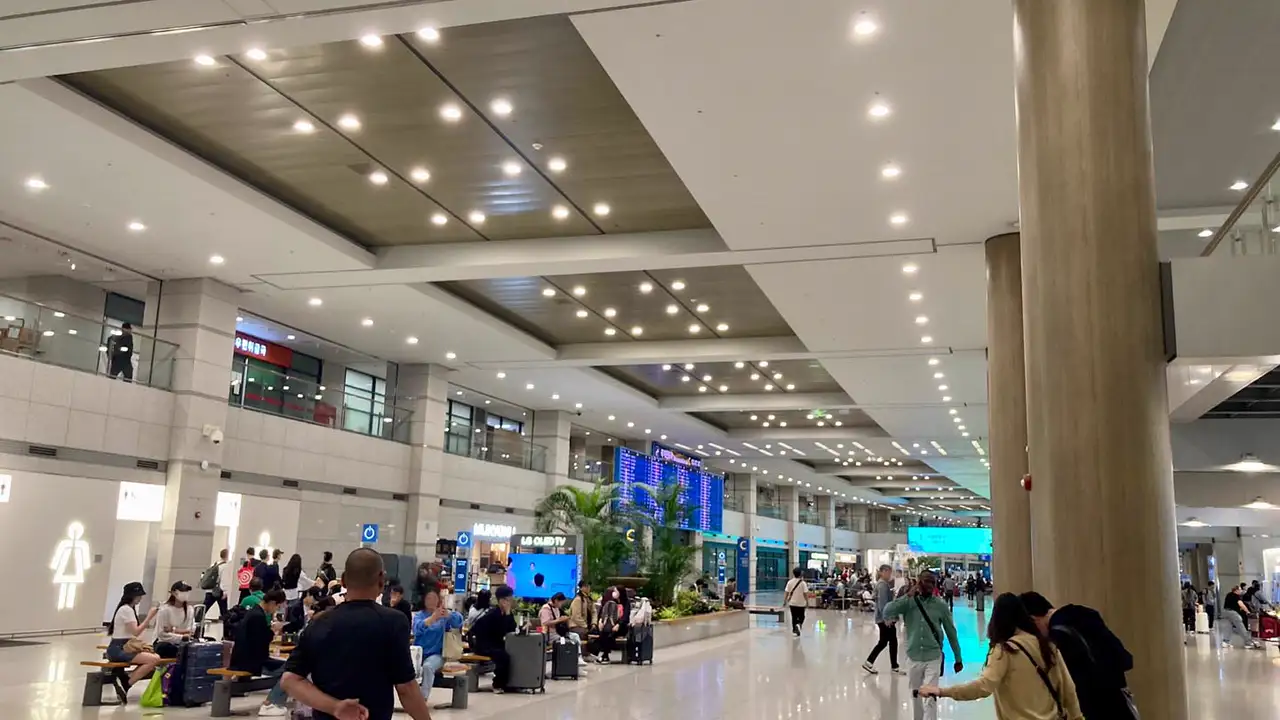
You are through immigration, your bag is on the trolley, and your phone has no Korean line. If you never got round to an eSIM before the flight, can you still buy one right here?
Yes, as long as three things are in place. Your phone has to accept an eSIM and be unlocked by your home carrier, you need to be on Wi-Fi, and your payment has to go through. Know one more thing before you start and nothing will catch you out: after you pay, the install QR code appears on the very phone you are holding. Everything below is based on official pages checked on 19 September 2026 and on Kedanto's own checkout screens.
Will an eSIM bought after landing actually install?
It will, provided you are on Wi-Fi. Apple's support article on using an eSIM while travelling abroad opens with the condition: "Your iPhone must be connected to a Wi-Fi network or hotspot." Installing an eSIM means downloading the line's profile from a server, so you need some other connection first.
Straight off the plane, the only connection your phone has is roaming on your home line, billed on your home carrier's terms. That is why buying at the airport works best as one simple rule: get on Wi-Fi first, then do both the payment and the install over it.
Which Wi-Fi do you use at Incheon Airport?
Incheon International Airport's official English FAQ says the airport has offered free Wi-Fi throughout the entire airport since September 2008, and you connect by selecting the SSID "AIRPORTWIFI" on your device (checked 19 September 2026). Any laptop, smartphone or other device with wireless LAN will do.
If battery is the worry, an official Incheon Airport news post from October 2024 mentions free charging stations around the airport alongside the free Wi-Fi. Running flat halfway through an install is avoidable while you are still in the building.
If you turn off data roaming on your home line before joining, the payment and the install both run over Wi-Fi and nothing goes over home roaming.
What are the checkout steps on Kedanto?
There are only a few fields. As of September 2026, the Korea product page runs in this order:
- Pick a plan and enter your address under "Email for your QR". A typo sends the QR somewhere else.
- Tick the box agreeing to the four points before buying: checking your device supports eSIM, the plan being data-only with no phone number or SMS, no refund once the eSIM is installed, and speed depending on local network conditions.
- Choose PayPal as the payment method and enter the cardholder name.
- Tap the PayPal button that appears and finish in the PayPal window. Kedanto's help page notes that the card button inside the PayPal window also takes card payments.
PayPal does not support Korean won, so the pay button and the actual charge are shown in US dollars.
Where does the QR code arrive after you pay?
You land on your order page, and the same details go to your email. The order page first shows "Issuing your eSIM" and says this usually takes less than a minute. Refresh, and you get the QR image plus the SM-DP+ address, the activation code and the full code, each with a copy button, and a one-tap install button for iPhones on iOS 17.4 or later.
Save the order page link. If the airport Wi-Fi drops for a moment, the link in your email opens the same page again. If the email is missing, look in spam first.
How do you scan a QR code that is on the same phone?
This is where most people who buy on arrival get stuck. At home you would put the QR on a laptop screen and point your phone at it. On an airport bench, the QR code and the camera are on the same phone. There are three ways round it.
- iPhone on iOS 17.4 or later — Apple's setup article says that if the QR code arrives in the default email app or a browser, you tap and hold the QR code, then tap Add eSIM. The one-tap install button on the Kedanto order page gets you to the same place.
- Galaxy — go to Settings → Connections → SIM manager → Add eSIM, choose "Add using activation code" instead of scanning, and paste in the SM-DP+ address and activation code copied from the order page.
- A travel companion's phone or tablet — open the order page on the other device, put the QR on screen, and scan it with yours.
Whichever route you take, a Kedanto QR installs once. After one install attempt it cannot be reused on another phone, so put it straight onto the phone you will actually use in Korea. Where the two phones' menus differ is laid out in the iPhone and Galaxy setup guide.
When does PayPal refuse the payment?
If your PayPal account is registered in Korea, the payment will not go through. The PayPal guide from PortOne, the company that connects Kedanto's checkout, sets out that when the seller account is Korean the buyer account must be overseas, and states that payment is not possible under PayPal's policy when both seller and buyer accounts are Korean. Kedanto's seller account is Korean. Travellers paying with an account opened at home are unaffected; someone still using an account they opened while living in Korea is not.
The other snag is the login check. PayPal's help centre says it may ask for a security check when it sees a login from a new device or a different location, and that a 6-digit code sent by text expires after 5 to 10 minutes. That text goes to your home number, so if your home SIM is not set up to receive texts in Korea, look for a non-SMS option such as an email code.
What happens to refunds if you install and switch on straight away?
When you buy on arrival, payment and installation are minutes apart, and so is the window for a refund. Kedanto's refund policy gives a full refund before installation and none after, even if the line has not activated yet. A Kedanto Korea eSIM activates the moment it connects to a Korean network, and someone buying at the airport switches the line on as soon as the install finishes. The days of slack that a pre-departure buyer has between paying and installing shrink here to a few minutes.
So for an arrival buyer, choosing the plan is effectively the last check. If you realise after installing that you picked the wrong number of days or gigabytes, it cannot be undone. A phone that does not support eSIM has its own clause in the refund policy and is fully refundable as long as the eSIM never installed, but to avoid losing time at the airport, open the device check page before you pay. How to check for a carrier lock as well is in checking your phone before you pay.
If you switch on the day you land, does that day count?
Yes. The plan's days start on the day the line activates, so landing day is day one. The Kedanto order page puts it plainly under the activation deadline: "The validity period counts from the day you activate." So when you choose a length, count both today and the day you fly out so you do not come up short.
As of September 2026 the longest daily plan is 15 days, so a longer stay moves you onto a total-volume plan used within 30 days (3GB and up). Which type fits your itinerary is worked through in how many days and how many GB.
Who is better off at the airport roaming counter?
If you need a Korean 010 number, your phone cannot take an eSIM, or PayPal will not work for you, the carriers' counters at the airport are the way forward. Both Incheon terminals have roaming centres for the three Korean carriers on the first floor, where the arrival halls are, and some of those counters are open 24 hours. How a SIM collected with your passport differs from an eSIM on number, returns and refunds is covered in airport SIM vs Korea eSIM.
What should be done before you walk away from the airport Wi-Fi?
If you paid from a bench in the arrivals lobby, run back through the steps once before you stand up. Is the email with your order page link in your inbox? Does the Korean line you installed appear in your phone's list of lines? Does it show signal bars? Until all three check out, stay where AIRPORTWIFI reaches.
If any of them looks wrong, send your order number to support and open what to check when there is no internet. Inside the terminal all of that works over Wi-Fi. Once you have wheeled your bag out of the airport, the first thing you lose is a way to reach anyone.
Sort your data out before you fly
You keep your SIM and add one data line. Your home number stays on your usual SIM; whether its calls and texts reach you abroad depends on your home carrier's roaming.
See eSIMs by country